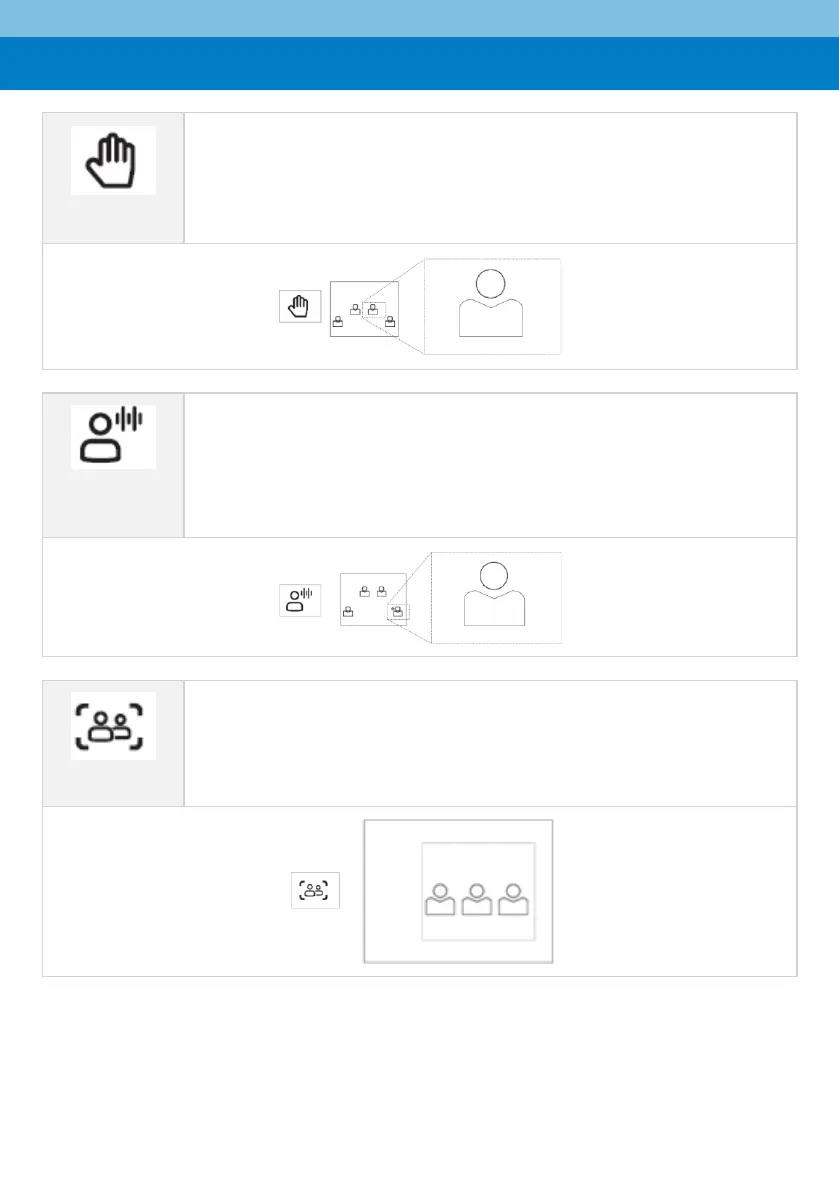
▪ Select this option to manually adjust the Zoom, Tilt or Pan.
▪ In RX-PAD’s ‘Camera Settings’ page, use the sliders to set Zoom, Tilt or Pan.
▪ Using the RC, after selecting an area to display, zoom in | out, move up |
down, and move left | right.
▪ This mode does not have AI functions.
▪ Automatically tracks speakers who speak continuously for 3-5 seconds
▪ Focuses on the speaker (displays them close-up allowing participants to
focus more)
▪ Effective distance: 6m


 To Next Page