EasyManua.ls Logo

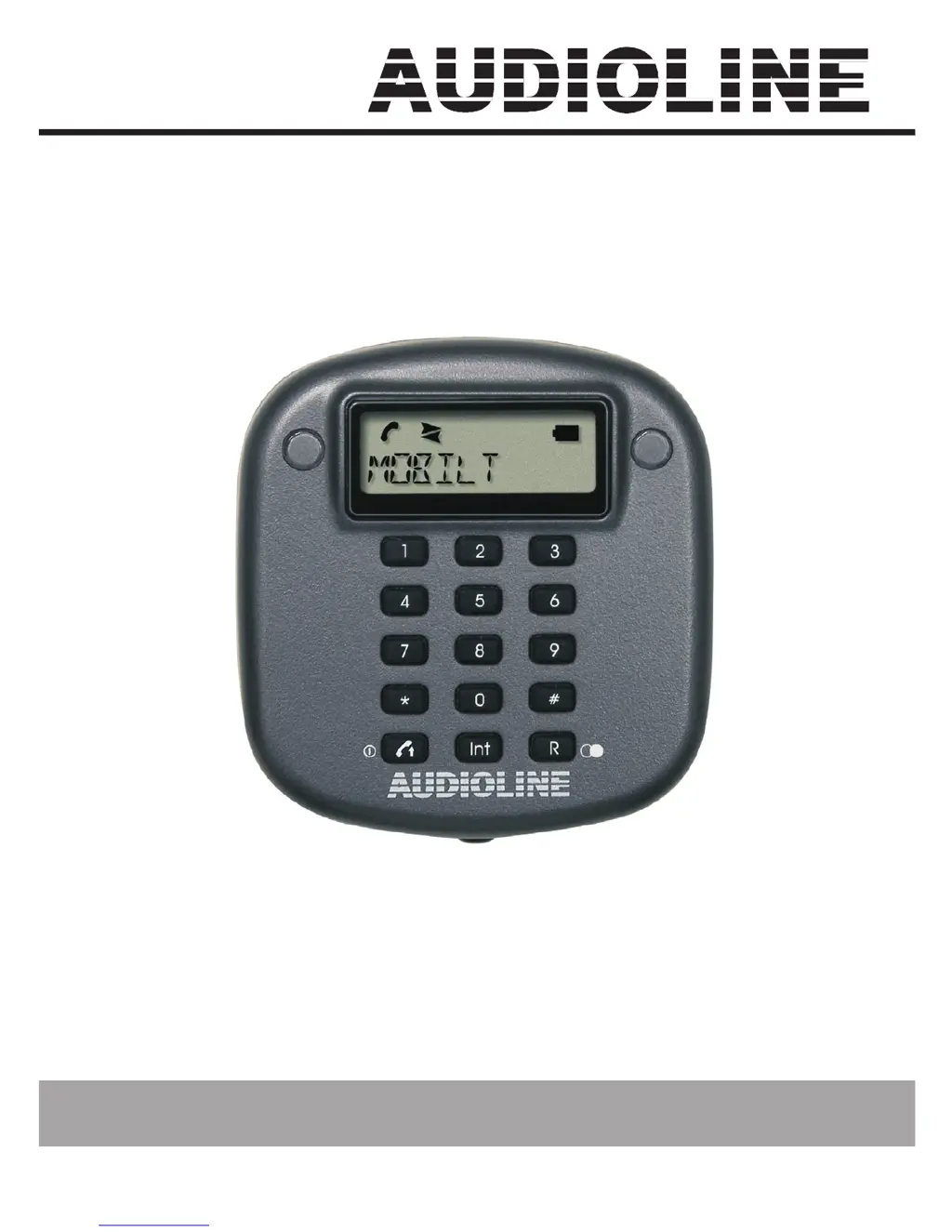
AUDIOLINE DECT-Mobilteil - User Manual

AUDIOLINE DECT-Mobilteil
36 pages
Go to English
Print Icon
To Next Page IconTo Next Page
Loading...
PORTY
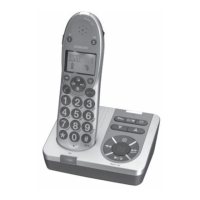
DECT-Mobilteil
DECT-Handset
Bedienungsanleitung
Operating Instructions

Table of Contents

Questions and Answers

  • O
    owebbJul 31, 2025
    What to do if AUDIOLINE Telephone shows display message RANGE?
    • R
      Rhonda RossJul 31, 2025
      If your AUDIOLINE Telephone displays the message RANGE, it could be due to several reasons. First, you might be too far away from the base station. Second, the connection to the base station might be interrupted; in this case, check the power supply to the base station. Finally, you may have to log on the mobile unit again.
  • K
    Kimberly WoodsAug 16, 2025
    Why AUDIOLINE Telephone has no calls possible?
    • F
      fitzgeraldebonyAug 16, 2025
      If your AUDIOLINE Telephone is unable to make calls, there are several possible causes: * The mobile unit might not be correctly logged on to the base station. If this is the case, repeat the logging-on procedure. * The power supply might not be plugged in, or there could be a total power failure. * The rechargeable batteries may be flat or defective. * You might be too far away from the base station.

Summary

User controls

Setting up

Safety information

Essential safety guidelines to follow before operating the device.

Charging the mobile unit

Procedure for connecting the mobile unit to the power supply for charging.

Logging on a mobile unit to a base station

Steps to register the mobile unit with a DECT-GAP base station for use.

Operation

Receiving calls

How to answer incoming external or internal calls using the call button.

Making calls

Procedure for dialling external telephone numbers using the keypad and call button.

Internal calls

Steps to initiate and receive calls between internal mobile units.

Switching the mobile unit on and off

Instructions for powering the mobile unit on and off by holding the call button.

Assigning the three direct dial buttons

How to program telephone numbers into the M1, M2, and M3 direct dial buttons.

Troubleshooting

AUDIOLINE DECT-Mobilteil Specifications

General IconGeneral
GAP compatibleYes
Ringtone volume controlYes
CompatibilityDECT
RangeUp to 300m outdoors, up to 50m indoors
Battery LifeTalk time up to 10 hours, Standby time up to 100 hours
FeaturesCaller ID, Redial
Phonebook entries50 entries

Related product manuals