EasyManua.ls Logo

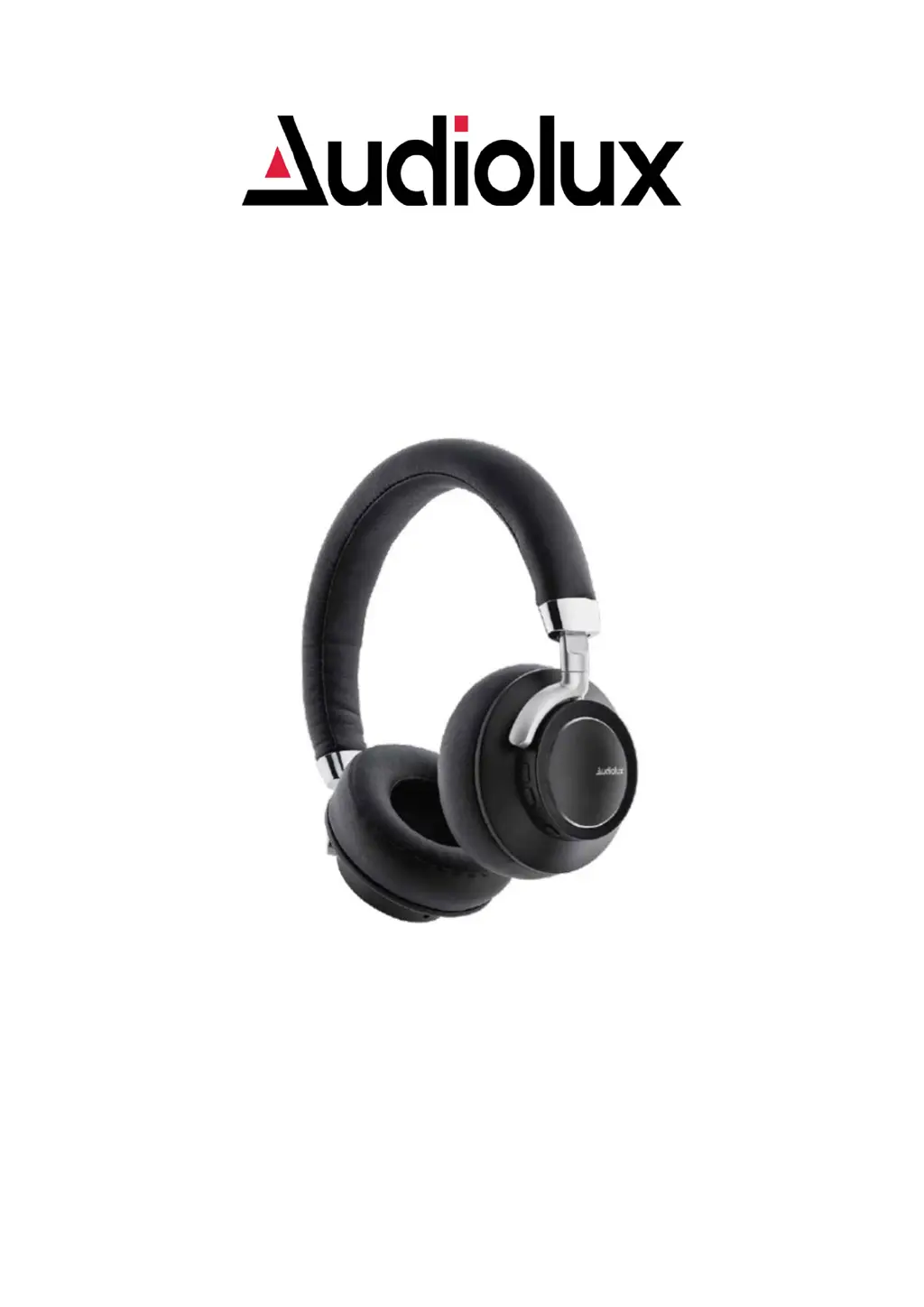
Audiolux VA-WHS-6/1155 - User Manual

Audiolux VA-WHS-6/1155
9 pages
Print Icon
To Next Page IconTo Next Page
Loading...
1
VOICE-ASSISTANT
WIRELESS STEREO HEADPHONE
VA-WHS-6/1155
INSTRUCTION MANUAL
PLEASE READ ALL INSTRUCTIONS CAREFULLY
AND RETAIN FOR FUTURE USE

Questions and Answers

  • J
    Jeffrey IbarraAug 4, 2025
    What to do if my Audiolux Wireless Headphones have no sound?
    • S
      scott89Aug 4, 2025
      If your Audiolux Wireless Headphones have no sound, try the following: * Ensure the headphones are powered on and the battery is charged. * Increase the volume on the headphones, your mobile device, and the music source. * Move your mobile device closer to the headphones, away from any obstructions or interference. * Try using a different music source. * Connect another mobile device.
  • V
    Veronica MathisAug 9, 2025
    What to do if my Google Assistant is not responding on Audiolux VA-WHS-6/1155 Wireless Headphones?
    • C
      Christopher RileyAug 10, 2025
      If your Google Assistant is not responding on your Audiolux Wireless Headphones, please note: * This feature is only available for Android mobile devices. * Ensure the Google Assistant app is downloaded on your mobile device and set as the default voice assistant. * Confirm your Android mobile device is Bluetooth paired with the headphones. * Verify that you are in a country where Google Assistant is available.
  • K
    Kara GarciaAug 15, 2025
    Why do my Audiolux VA-WHS-6/1155 have poor sound quality?
    • M
      Melinda FosterAug 15, 2025
      If your Audiolux Wireless Headphones have poor sound quality, consider these solutions: * Try using a different music source to rule out issues with the file itself. * Connect another mobile device to see if the problem persists. * Move your mobile device closer to the headphones, ensuring there are no obstructions or interference.
  • A
    Amy FosterAug 22, 2025
    What to do if I hear a loud dial tone noise when activating Google Assistant on Audiolux Wireless Headphones?
    • R
      rmitchellAug 22, 2025
      If you experience a loud dial tone noise when activating Google Assistant on your Audiolux Wireless Headphones: * Ensure you have the latest version of the Google Assistant App. * On your Android mobile device, navigate to Settings > Apps > Google App > Disable, then tap Enable. If you have uninstalled the Google App, uninstall and reinstall it.
  • E
    Evelyn ParkerAug 28, 2025
    What to do if the battery of my Audiolux VA-WHS-6/1155 won’t charge?
    • A
      Andre FrancoAug 28, 2025
      If the battery of your Audiolux Wireless Headphones won’t charge: * Make sure the ends of the USB charging cable are securely connected. * Try using an alternative charging source.

Summary

Getting started

Safety Instructions

INSTRUCTIONS FOR USE

Charging Instructions

Guide on how to charge the Bluetooth Headphone using the provided USB cord.

Switching on;off the device

Instructions on how to power the headphone on and off by pressing the ON/OFF button.

Pairing the device with Bluetooth devices

Steps to connect the headphone to a phone or music device via Bluetooth.

Making a call with the Bluetooth Headphone

Basic operations for answering, rejecting, and ending calls, plus volume control.

Listening to Music using AUX-In Mode

How to connect and play music using the auxiliary audio cable.

Function Summary

Listening to Music

Instructions for streaming music wirelessly after pairing the headphone with a device.

Voice Assistant Operation

LED Indicator

Troubleshooting

Care and Maintenance

Specifications

FCC Instructions

Limited Warranty

Warranty Coverage

Warranty Disclaimers

Warranty Performance

Service and Repair

Audiolux VA-WHS-6/1155 Specifications

General IconGeneral
Driver Size40mm
Frequency Response20Hz - 20kHz
Impedance32Ω
Bluetooth Version5.0
MicrophoneYes
Charging Time2 hours
Wireless Range10m
Sensitivity110dB