EasyManua.ls Logo

Audiomedia GDF879 - User Manual

Audiomedia GDF879
29 pages
Print Icon
To Next Page IconTo Next Page
Loading...
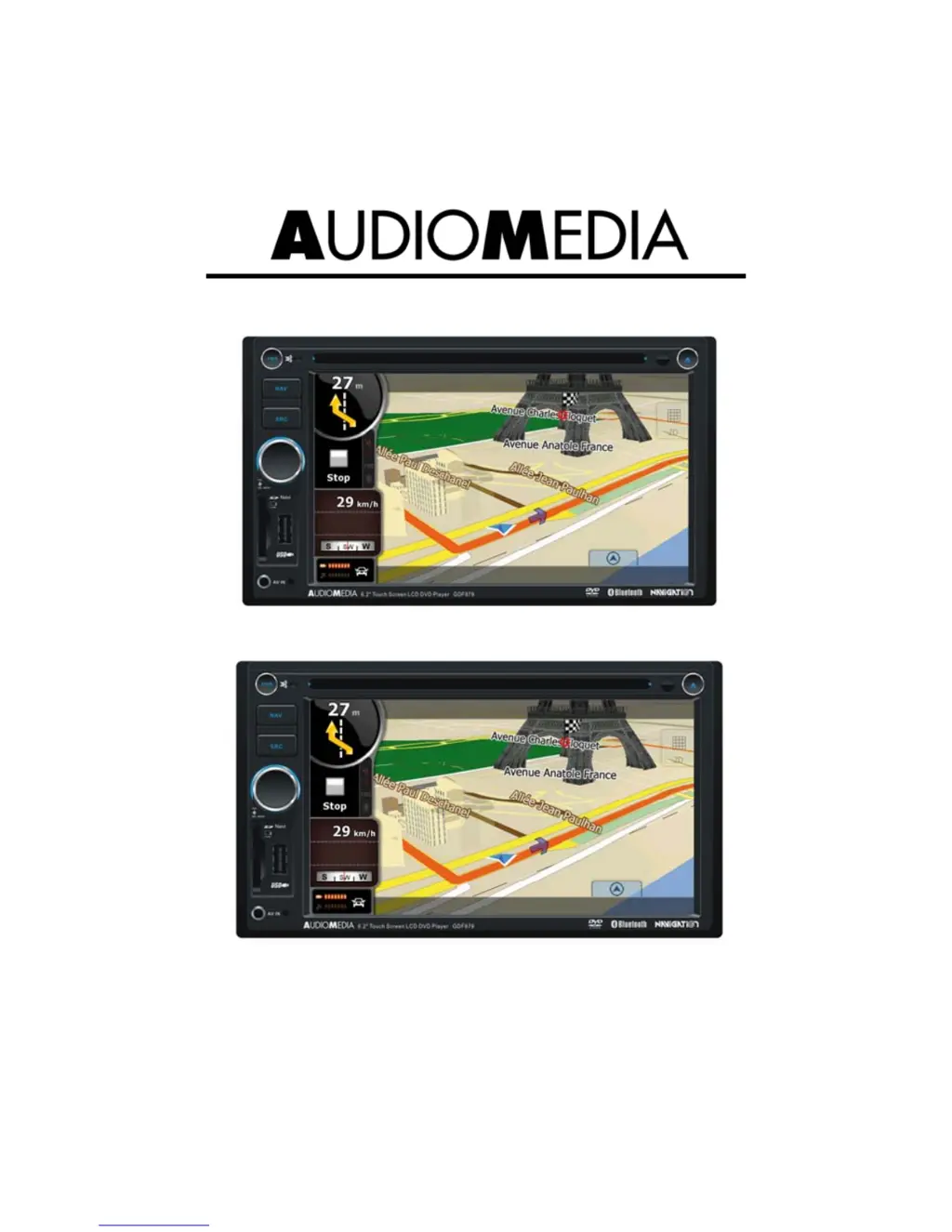
GDF879
DVD/VCD/CD/MP3/MP4/USB PLAYER
WITH FM/MW TUNER, BLUETOOTH, AND GPS
NAVIGATION SYSTEM
Instruction Manual

Questions and Answers

  • K
    Kristin WashingtonAug 17, 2025
    What to do if my Audiomedia GDF879 will not switch on?
    • M
      Mary GarciaAug 17, 2025
      If your Audiomedia Car Video System won't switch on, there are a few possible reasons. First, make sure your car ignition is turned on. If that's not the issue, check the cable connections to ensure they are properly connected. Finally, inspect the fuse and replace it with a new one of the same capacity if it's burnt.
  • J
    Jerome DavisAug 19, 2025
    Why does the sound skip on my Audiomedia GDF879?
    • J
      James McdonaldAug 20, 2025
      If you're experiencing sound skipping issues with your Audiomedia Car Video System due to vibration, it could be due to the mounting angle being over 30 degrees. Adjust the mounting angle to less than 30 degrees. Also, ensure the unit is securely mounted with the supplied parts to prevent instability.
  • S
    sheltonjasonAug 22, 2025
    How to fix no sound on Audiomedia GDF879 Car Video System?
    • K
      karroyoAug 22, 2025
      If there is no sound from your Audiomedia Car Video System, verify that the volume isn't set to the minimum or that the mute function is not activated. Adjust the volume or switch the mute function off.
  • P
    Pam MartinezAug 26, 2025
    What to do if Audiomedia GDF879 Car Video System is not working normally?
    • B
      Brenda MolinaAug 26, 2025
      If your Audiomedia Car Video System unit or screen isn't functioning normally, it might be due to an unstable system. Try pressing the RESET button to resolve this.
  • S
    Scott PhillipsAug 27, 2025
    How to fix Audiomedia GDF879 Car Video System when it is unable to receive stations?
    • J
      Justin McculloughAug 28, 2025
      If your Audiomedia Car Video System is unable to receive stations, ensure that the antenna is properly connected.
  • S
    Stephen MitchellAug 30, 2025
    Why won't my Audiomedia GDF879 play discs?
    • C
      castrojaredAug 31, 2025
      If your Audiomedia Car Video System is not playing discs, the disc might be inserted incorrectly. Ensure the disc is inserted with the label side facing up. Also, the disc could be dirty or damaged. Clean the disc and check for any damage, or try using another disc.
  • L
    Lori BurnsSep 2, 2025
    How to improve radio reception on Audiomedia Car Video System?
    • O
      ortegaelizabethSep 2, 2025
      If you are experiencing poor quality reception of a radio station on your Audiomedia Car Video System, the antenna might not be fully extended or could be broken. Fully extend the antenna, and if it's broken, replace it with a new one.
  • B
    Brandon LewisSep 5, 2025
    What to do if I am unable to insert USB device into Audiomedia GDF879?
    • S
      Sandra HayesSep 5, 2025
      If you're unable to insert a USB device or SD/MMC card into your Audiomedia Car Video System, it's possible that the memory card or USB device has been inserted the wrong way round. Try inserting it the other way around.
  • D
    dwoodSep 7, 2025
    Why are preset stations lost on my Audiomedia GDF879?
    • R
      Rhonda MillerSep 7, 2025
      If the preset stations are lost on your Audiomedia Car Video System, it might be because the battery cable is not properly connected. Connect the permanent live on the unit to the permanent live on the vehicle.
  • T
    Tammy SantosSep 12, 2025
    What to do if Audiomedia GDF879 Car Video System remote control is not working?
    • S
      skinnerwilliamSep 12, 2025
      If your Audiomedia Car Video System remote control is not working or not working properly, the batteries might be low or empty. Try changing the batteries.

Audiomedia GDF879 Specifications

General IconGeneral
Touch ScreenYes
BluetoothYes
USB PortYes
SD Card SlotYes
DVD PlayerNo
GPS NavigationYes
Operating SystemWindows CE 6.0