8
Instruction Manual
• You can also load audio files by synchronizing the tablet with a computer or
laptop trough USB. You can also download audio files directly on the tablet from a
local network or the internet.
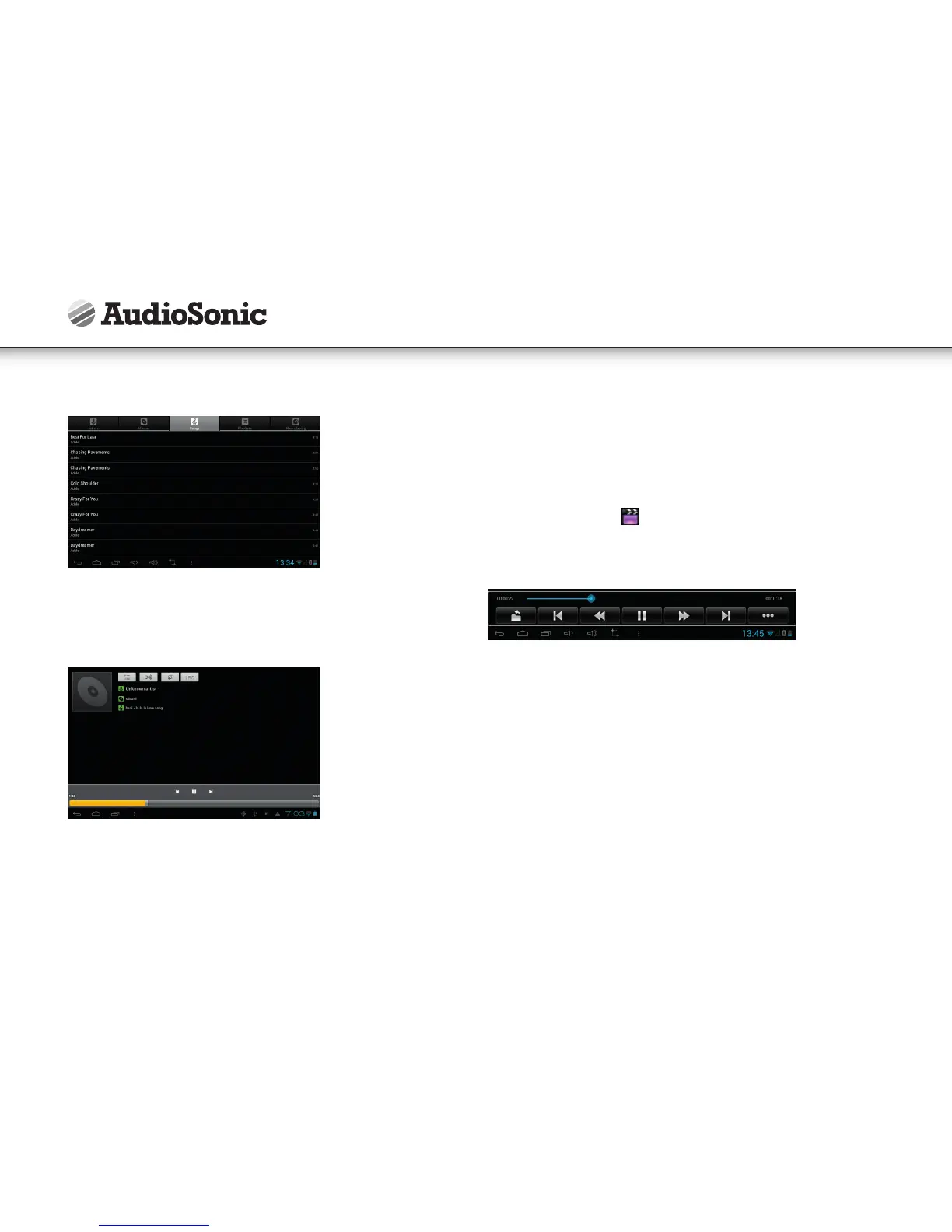
• Select the desired tab icon, to arrange the music files by "Artist", "album" or
"songs". Tap the desired song to start playback.
VIDEO
• Video file formats supported: MKV, WMV, MPG, MPEG, DAT, AVI, MOV, ISO, MP4,
RM, JPG
• Picture file formats supported: JPG, JPEG, BMP, GIF, PNG
Play Video
• Tap the video player icon to enter the “Video” interface.
• Tap the desired video file to load it in the video player and start playback. You can
choose “Pause”, "Play", "Stop," "fast forward", "rewind", "progress bar" and several
other keys to control the playback progress.



 To Next Page