7
EN
Instruction Manual
CAMERA
Tap the Camera application icon.
1 In Camera → tap to take the picture.
2 The picture will be saved.
Take Videos
1 In Camera tap to switch to video mode.
2 Tap icon to start recording and tap icon again to stop recording.
3 The video will be saved automatically.
FILE BROWSER
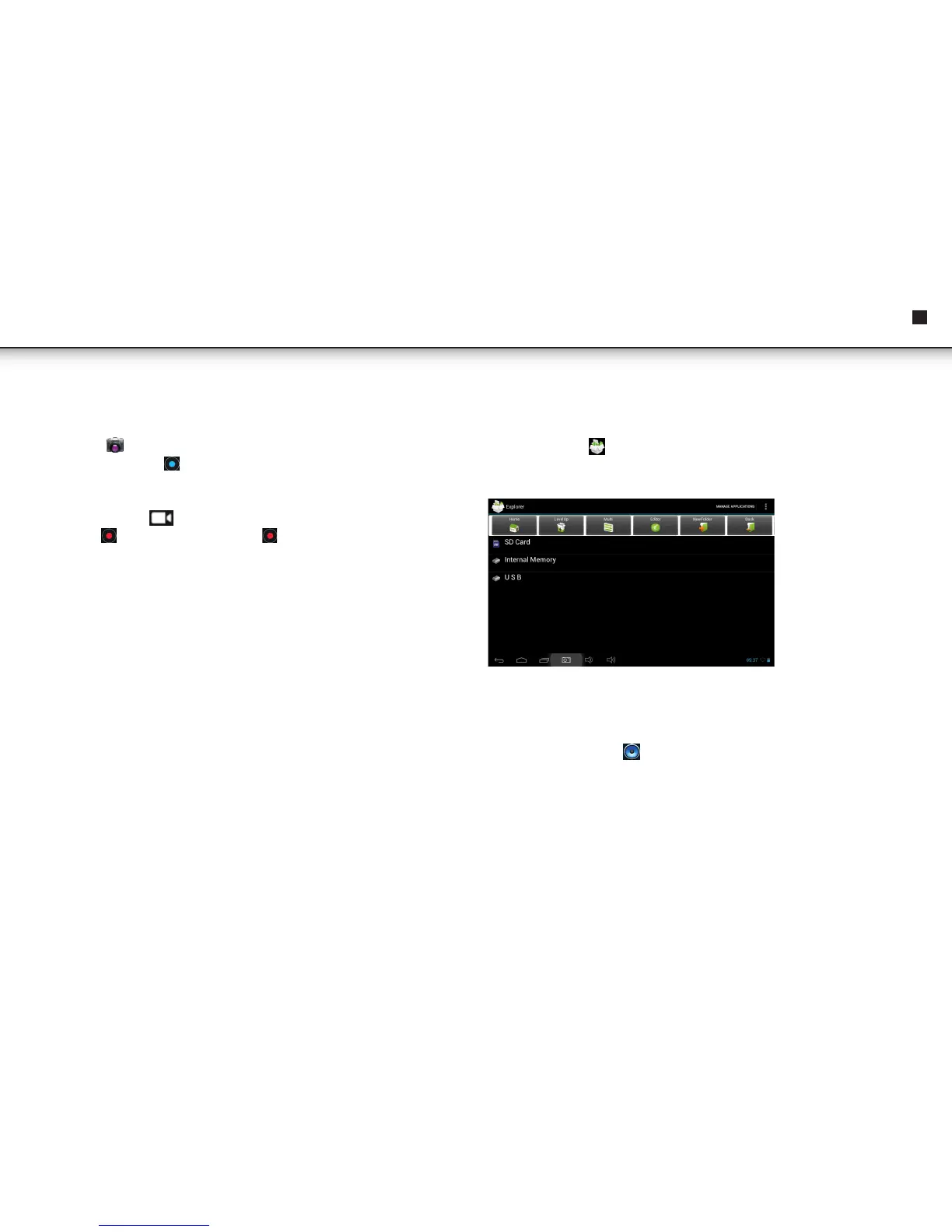
Tap the Explorer icon to enter the file Management Interface, tap【SD Card】,
【Internal Memory】or【USB】to open their root directory folders. From here you
can navigate between the different files and folders.
MUSIC
• Audio file formats supported: mp3, aac, wma, rm, flac, Ogg
• Tap the music player icon to enter the music player. When there are no music
files loaded in the playlist, the system will automatically search for music files from
a micro SD card and then will load them automatically in the playlist.



 To Next Page