Need help?
Do you have a question about the AudioSource EQ One Series II and is the answer not in the manual?
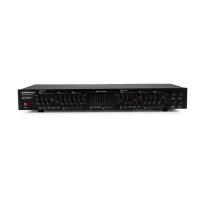
Turns the EQ-One Series II on.
Displays frequency spectrum levels via LEDs.
10 slide potentiometers per channel for frequency adjustment.
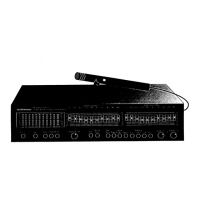
Activates the Pink Noise Generator for equalization.
Connects EQ-One Series II to receiver/amplifier tape monitor jacks.
Connects tape deck to EQ-One Series II for recording/monitoring.
Adjust sliders based on analyzer display for 31.5Hz to 16kHz.
Repeat equalization process for the right channel.
 General
| EQ Range | ±12dB |
|---|---|
| THD | 0.01% |
| Frequency Range | 20Hz - 20kHz |
| Output Impedance | 600 Ohms |
| Type | Stereo 10-band graphic equalizer |

 To Next Page