SETTINGS
SETTINGS
ROAM RINGER
Sounds a different ringer when you are in a roaming
service area.
1. Press [MENU] .
2. Select “Normal” or “Distinctive” then press [OK]
to save it.
TONE LENGTH
To adjust key tone length:
1. Press [MENU] .
2. Select “Normal” or “Long” then press [OK]
to save it.
Chapter 4 - Page 63
Page 62 - Chapter 4
SETTINGS
SETTINGS
● Normal: Sounds the same ringer type as used in
Home area.
● Distinctive: Sounds a different ringer type.
DISPLAY
This feature allows you to customize and personalize
your phone display.
MENU STYLE
To select an display menu style:
1. Press [MENU] .
2. Select “Graphic”, “Grid” or “List” and press [OK]
to save it.
ETIQUETTE
To activate Etiquette mode so all phone sounds are
muted:
1. Press [MENU] .
2. Select “On” or “Off”.
3. To save, press [OK].
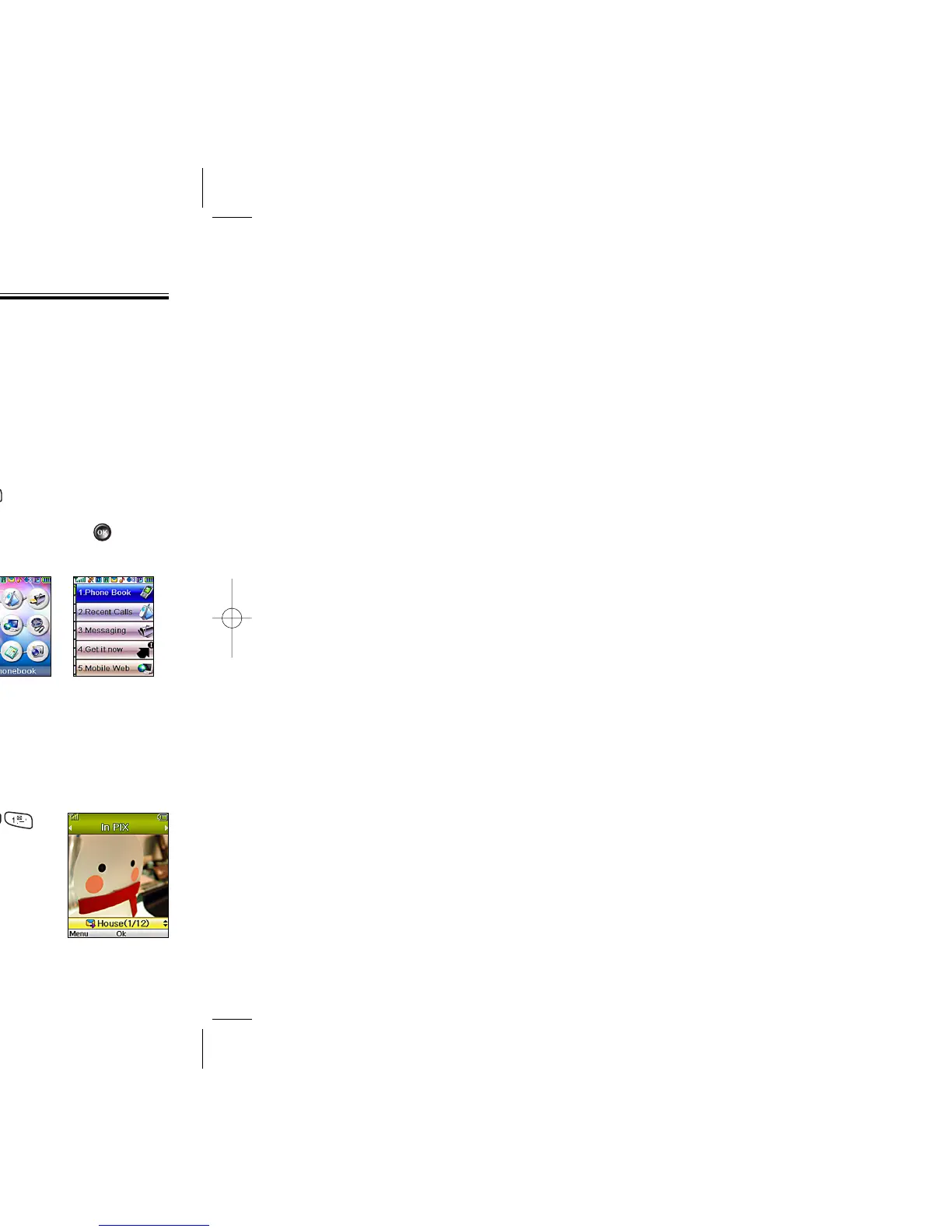
Graphic Grid List
● On: Etiquette Mode on.
● Off: Etiquette Mode off.
Shortcut: Press and hold to activate/deactivate this
feature.
GRAPHICS
To select an LCD display:
WALLPAPER
1. Press [MENU] .
2. Select “Tree”, “Digital Clock1,2”,
“Analog Clock 1,2”, “Download
image”, “Picture #”, “Download
Picture”, “Received Picture”.
3. To save it, press [OK].



 To Next Page