22
6) A-B REPEAT
a. During playback press ‘A-B’ to set the Starting Point A.
b. Press ‘A-B’ to set the Ending Point B and the player will re-
peatedly play the part between Point A and Point B.
c. Press ‘A-B’ a 3rd time to Cancel A-B Repeat. Normal play
back will resume from Point A.
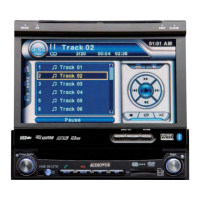
A - B Repeat Starting Point Screen Display
A-B Repeat Cancelled Screen Display
A - B Repeat Ending Point Screen Display








 To Next Page