23
7) REPEAT
a. During playback press ‘REPEAT’ once to repeatedly play the
current chapter.
b. During playback press’ REPEAT ‘again to repeatedly play the
current title.
c. During playback press’ REPEAT’ a 3rd time to cancel the re-
peat playback function and resume normal play back. The
repeat display will disappear automatically if the ‘REPEAT’
button is not pressed again for 3 seconds.
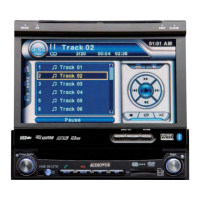
Chapter Repeat ON Screen Display
Title Repeat ON Screen Display
Repeat OFF Screen Display






 To Next Page