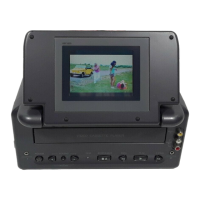
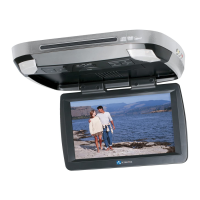
J. PLAYING A VIDEO GAME (Refer to Figure 18)
Figure 18
1. Plug the video output from your game system into the yellow video
jack and the Audio L and Audio R into the applicable jacks on the side
of the main unit, which takes priority over the built-in DVD player.
Adjust the volume control and the brightness control on the monitor
for individual preference.
2. Plug the video output from your game system into the yellow
VIDEO jack and the AUDIO L and AUDIO R into the applicable jacks
on the side of the monitor, which takes priority over both AV input into
the main unit and the built-in DVD player. Adjust the volume control
and the brightness control on the monitor for individual preference.
37
*** Optional
Headphones
*Optional
Video
Monitors
**Games
Not Included
**Games
Not Included






 To Next Page