4
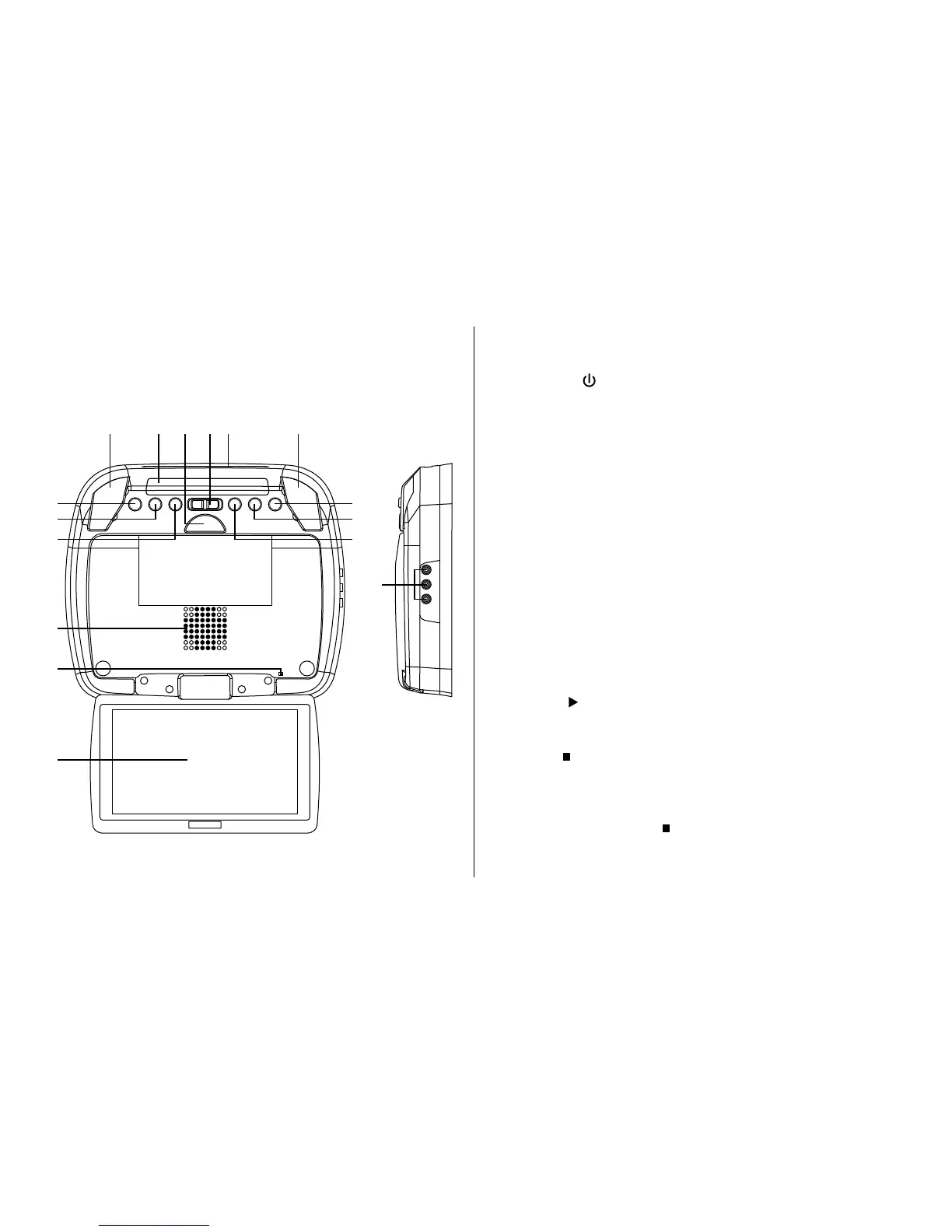
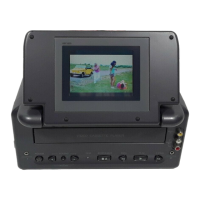
CONTROLS AND INDICATORS DIAGRAM
1. POWER ( ) Button
Used to turn the DVD and Monitor system on/off. Bright red
when the system is on, dim when off.
2. Source Select
Use to select one of the two sources: DVD, AUX.
3. Screen Mode Button
Allows the user to change the screen format (Aspect Ratio 4:3
or 16:9).
4. Ventilation Openings
5. Monitor Cut Off Switch
Used to turn off monitor when in the closed position.
6. Drop Down Panel
7. PLAY ( ) Button
This button is used to start playback of a disc for DVD.
8. Stop ( ) Button
- Press STOP once : (Stop) display perform to Stop playback,
pressing the PLAY button again will resume normal
playback.
- Press STOP twice : ( Stop) display perform to stop
playback.
1
2
3
4
5
6
7
8
9
1010 11121314
15
CONTROLS FUNCTION DESCRIPTIONS






 To Next Page