EasyManua.ls Logo

Audiovox VXE 6020 NAV - User Manual

Audiovox VXE 6020 NAV
88 pages
Go to English
Print Icon
To Next Page IconTo Next Page
Loading...
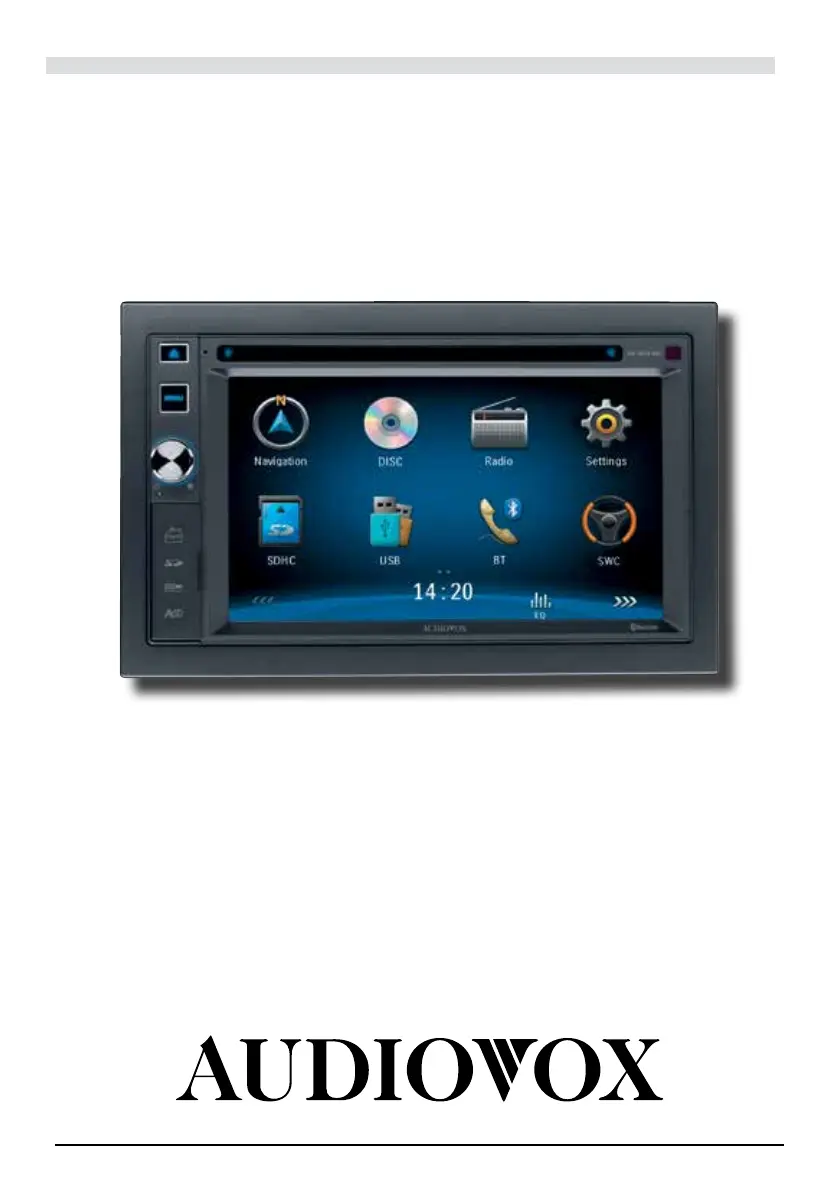
VXE 6020 NAV
®
BEDIENUNGSANLEITUNG/GARANTIEURKUNDE
OWNER’S MANUAL/WARRANTY DOCUMENT
MODE D’EMPLOI/CERTIFICAT DE GARANTIE

Questions and Answers

Summary

CONTROLS AND INDICATORS

OPERATING INSTRUCTIONS

Power On; Off

Instructions for turning the unit on and off using the power button.

Playing Source Selection

How to switch between different audio/video sources.

Volume Adjustment

How to adjust the audio volume level.

Selecting Preset Equalizers

How to choose from predefined equalizer sound profiles.

Adjusting EQ Parameters

Customizing audio equalizer settings and parameters.

TUNER OPERATION

Tuning

Methods for tuning into radio stations (Auto and Manual).

RDS Basics

Explanation of Radio Data System features and benefits.

Adjusting RDS Settings

Configuration options for RDS features like RDS, AF, CT, EON, TA, PTY.

PLAYBACK MODE

Connecting a USB Device

Steps to connect a USB device for media playback.

Inserting a SD;MMC Card

Steps to insert an SD/MMC card for media playback.

BLUETOOTH OPERATION

Pairing the Bluetooth-enabled devices

Steps to connect Bluetooth devices to the unit.

Disconnecting a Bluetooth Device

Procedure for disconnecting a paired Bluetooth device.

Making a Call

How to make phone calls using the Bluetooth connection.

Receiving a Call

How to answer or reject incoming calls via Bluetooth.

Adjusting Bluetooth Settings

Configuring Bluetooth functions like auto-connect and auto-answer.

SOUND ADJUSTMENTS

Adjusting the Volume

How to adjust the overall volume level.

Selecting Equalizers Presets

Choosing from predefined equalizer sound profiles.

Adjusting FAD BAL

Balancing speaker output and adjusting subwoofer volume.

SETTINGS

General Submenu Features

Configuration options for radio region, range, dimming, and beep.

Calibration

Procedure for calibrating the touch screen interface.

Sound Submenu Features

Settings for subwoofer output and crossover frequency.

Time Submenu Features

Settings for date, clock mode, and time.

Bluetooth Submenu Features

Settings for Bluetooth function, auto-connect, auto-answer, and pairing code.

Programmable Volume

Setting different volume levels for each audio source.

NAVIGATION QUICK START

Step 1 - Access the navigation function

How to access the navigation feature via the MENU button.

Step 2 - Start Up;Access the Main Menu

Initial setup process for the navigation software.

Route Settings

Modifying default route planning options.

Step 4 - Map;Guide Along Route

Guidance provided by the software while driving.

OTHER MODES

External Devices

Connecting external peripheral devices via RCA output.

System Reset

How to perform a system reset to restore factory defaults.

Replacing the Fuse

Procedure for replacing a blown fuse.

Steering Wheel Control Programming

Programming steering wheel buttons for specific functions.

TROUBLESHOOTING

GENERAL

Troubleshooting common issues like power loss and audio problems.

CARE AND MAINTENANCE

SPECIFICATIONS

Audiovox VXE 6020 NAV Specifications

General IconGeneral
Display Size6.2 inches
Display Resolution800 x 480 pixels
NavigationYes
BluetoothYes
Audio Formats SupportedMP3, WMA
USB PortYes
SD Card SlotYes
Output Power50 watts x 4 channels
TouchscreenYes
DVD PlayerYes
AM/FM RadioYes
Rear View Camera InputYes
Video Formats SupportedMPEG-1, MPEG-2, MPEG-4
Preamp Voltage2V