4
Getting Started
Congratulations, you’ve just expanded the use of your XM Radio!
Now, in addition to listening to the channels you love in the car, you can listen to XM radio in
your home or on the go.
Use these instructions to set up your XM Sound System. If you need help, call XM
Support at 1-800-XM-RADIO (1-800-967-2346) or contact us at www.xmradio.com.
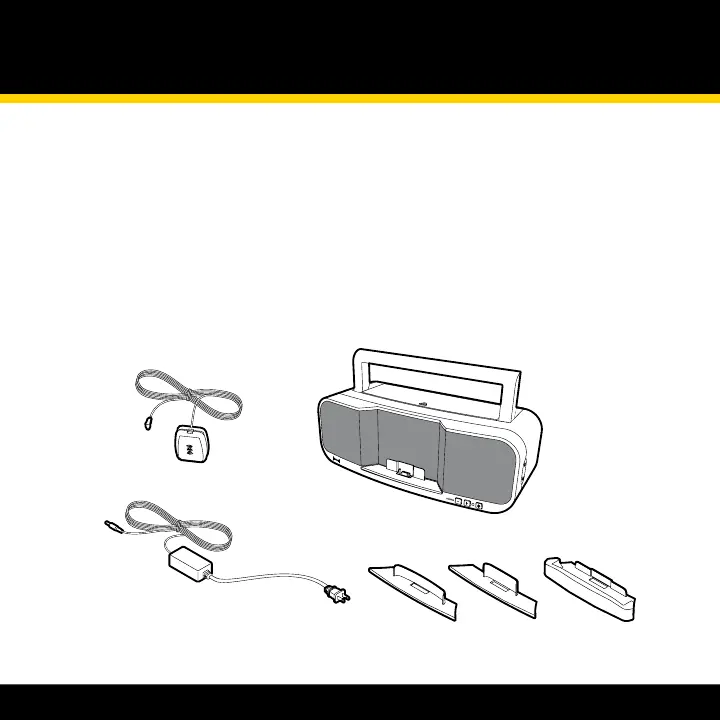
Step 1: Unpack the XM Sound System
Power supply
XM home antenna
Radio-specic dock adapters
XM sound system



 To Next Page