Audya Style Structure
16 KETRON • AUDYA STYLE COMPILER
With the Release 3.0A the Audio Style Modeling of
Audya is raised up to its final and complete structure.
The 4 new BANK for sections Drum, Piano, Guitar1
and Guitar 2, together with the enhancement
of previous existing Libraries for Bank Bass and
Arp&Lick makes the Audio Style Modeling a very
powerful and easy system to compose new Styles.
It’s enough to start from an existing Style and,
without programming a note, to scroll the Modeling
Libraries while listening in real time the final result
and to replace the various parts of the Style using
the huge templates available.
Let’s take a look to some practical examples for the
Audio style Modeling.
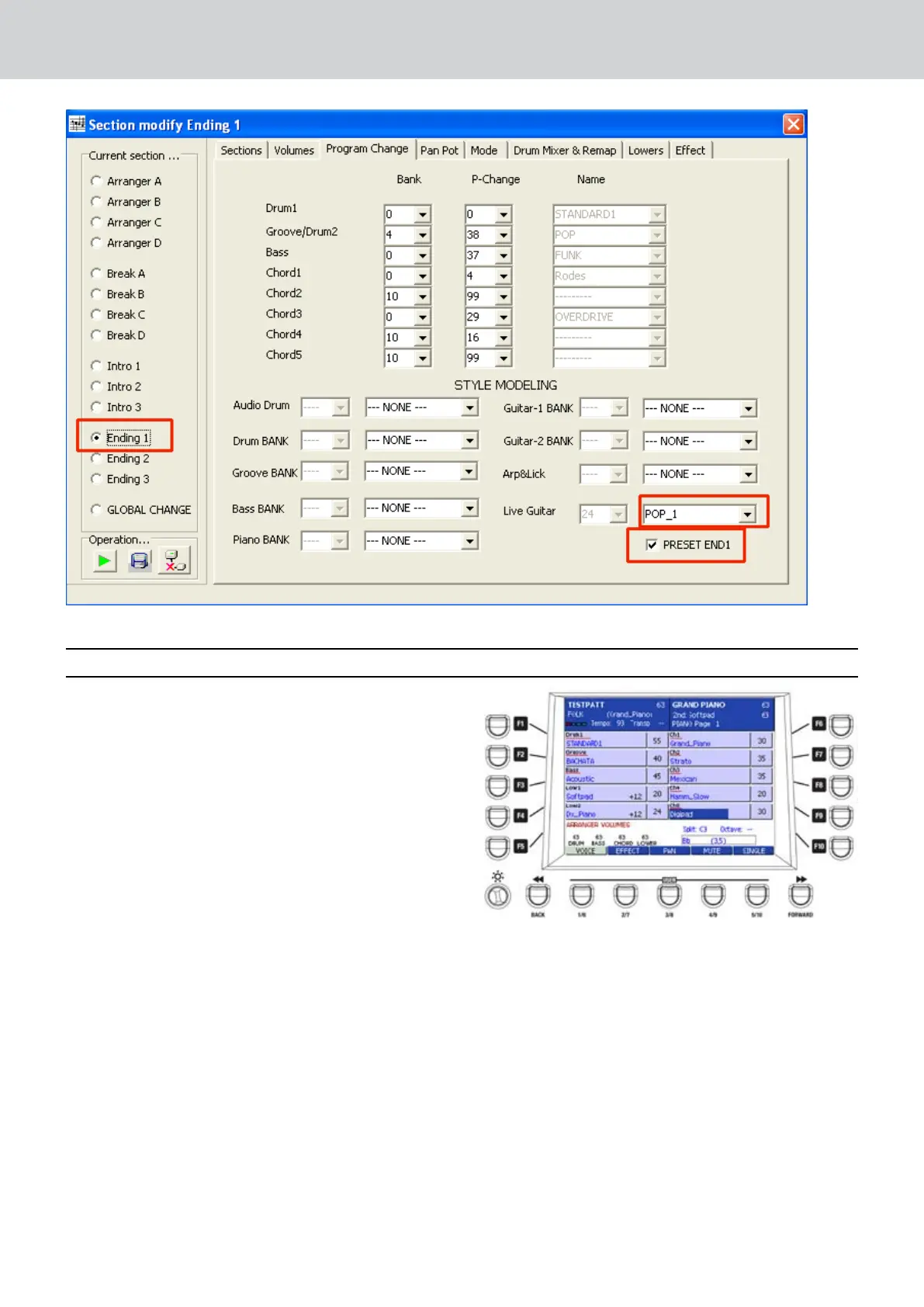
Select a Style to be edited and access the ▀
Style View
The parts underlined in Red are the ones interested
to the Bank functioning.
By pressing twice the tabs F1, F2, F3, etc. it is
possible to select the BANK Libraries. The scroll for
various templates is achieved by the l’Alpha dial.
The new Bank Libraries, once selected and assigned
to the Style parts, are replacing the original MIDI
parts written for such Style.
F1: the Drum controlling on tab F1 is very
sophisticated with the possibility to address 4
different ambients:
Audio Drum (Figure 1)
Drum Bank (Figure 2)
User Audio Drums (Figure 3)
Drum1 (Figure 4)
Audio Drum
Internal Audio Drum library, with more than 324
complete Audio files. (Could be increased).
Drum Bank
Midi Drum database with 255 Styles. (Could be
increased).
Figure 1
SETTING AUDIO STYLE MODELING on AUDYA


 To Next Page
 Loading...