-5-
-6-
English
5.4 Hands-free Calling
Whilst
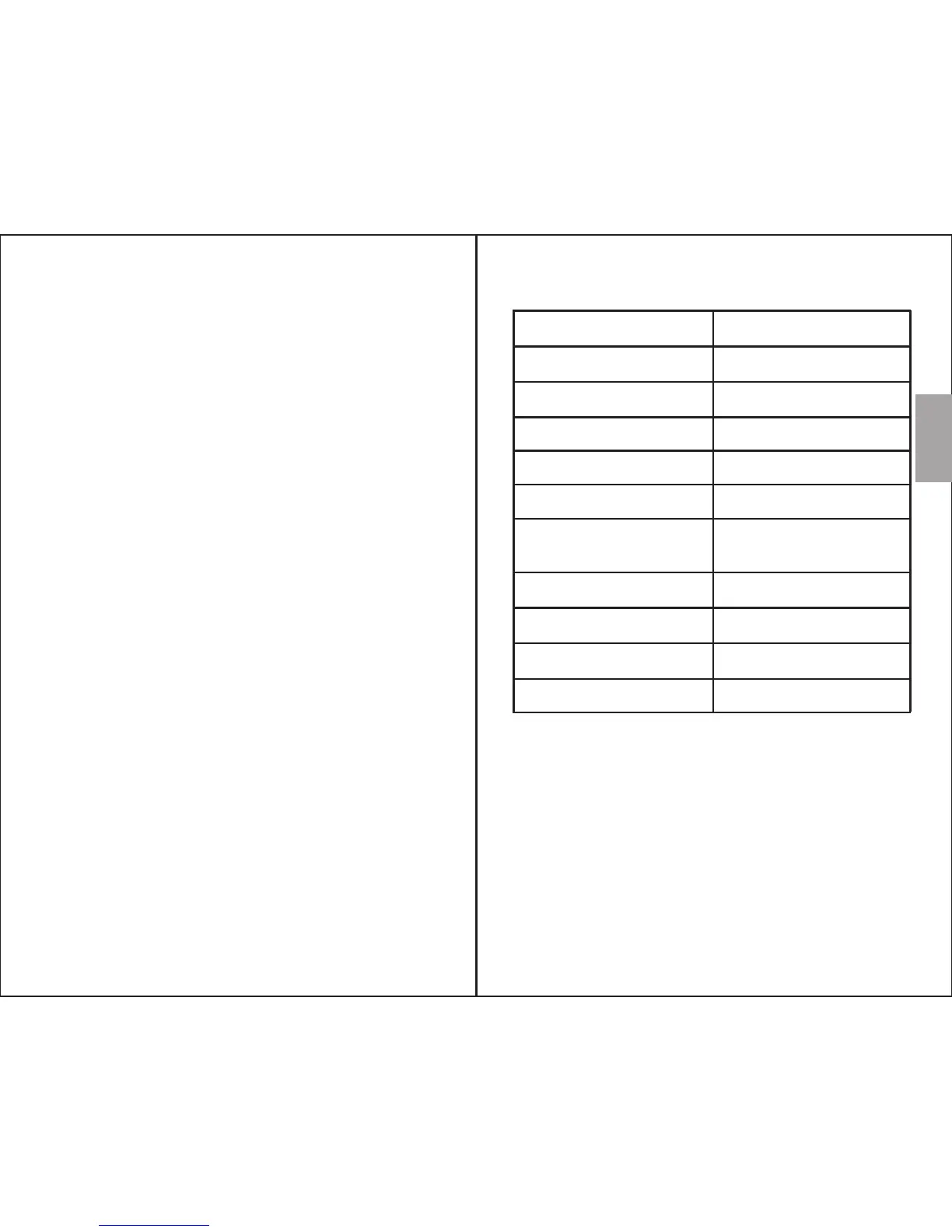
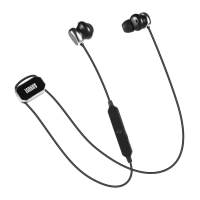
EP610 will act as a hands-free system for calls.
Press “ ►”to pick up or hang up a call. Press and
hold “►” for 2 seconds to reject the incoming
call.
Double press“ ►” to redial the last called
number.
\
6. Charging
When the battery is low, a warning tone beeps
once per minute and the status LED flashes red to
indicate low power. To recharge the battery, use
the supplied micro USB cable to connect the
EP610 to a powered USB port.
The status LED constantly lights red whilst
charging and turns blue once the battery is fully
charged.
Note:
1) Only use certified USB chargers from branded
manufacturers.
2) Fully charge the headset before first use.
3) If unused for a long period of time, fully charge
the battery before use.
connected to your mobile phone, the
7. Specifications
Bluetooth Specification v4.0
Operating Range
Frequency Response
Speaker Output
Working Time
SNR
Distortion
200Hz to 20KHz
≤1% At 1KHz
Battery
Charging Time
Weight 15g
3.7V/40mAh×2 Built-in
Polymer Lithium Battery
1 hour
≥80dB
6 hours
10mW×2
Up to 10m
Dimensions 595 x 12.4 x 34.5mm


 To Next Page