No sound
Check the volume on both the source
device and the EP614.
If the headset is connected to a computer,
please check that the headset is set as the
current audio out device
The mobile phone
asks for a PIN code
The PIN code for the EP614 is 0000
The sound quality
is intermittent in
Bluetooth mode.
Please ensure the headset is within 10 meters
of your source device.
Disable the Wi-Fi on your source device.
7. Troubleshooting
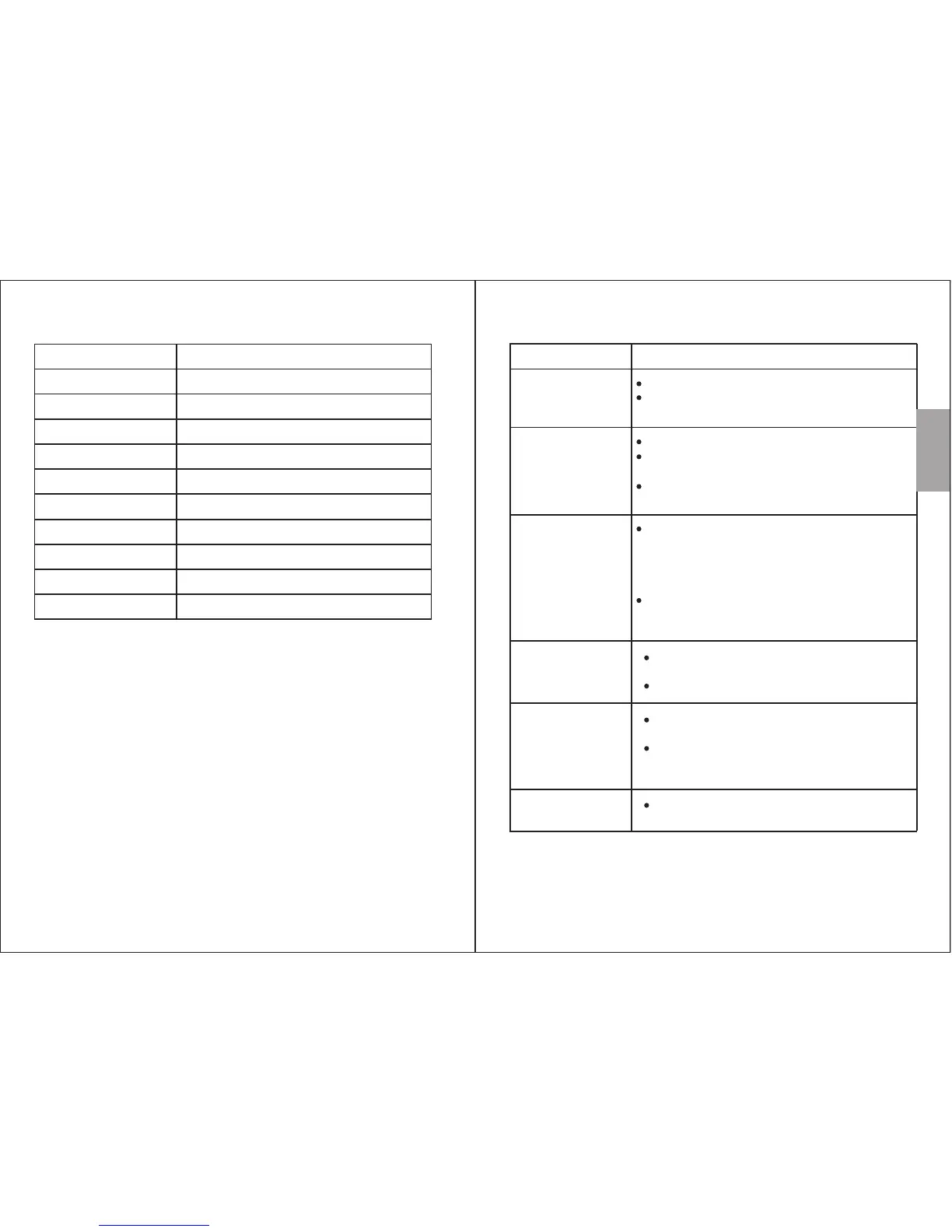
Problem Solution
Unable to
switch on
Unable to pair
source device
Can't install the
driver for EP614
on a computer
Fully charge the EP614.
Press and hold the Control Button for two
seconds.
For Windows 7 and 8, update the Bluetooth
driver from the Bluetooth module
manufacturers website. For further information
on you PCs Bluetooth module, please consult
your PC supplier.
Bluetooth headsets are not supported by
Windows XP and Vista, a third party Bluetooth
driver can be used to solve this issue.
Confirm that the EP614 is in pairing mode.
Confirm that the EP614 is within 10m of the
source device.
Delete existing connection to EP614 from
source device and repair.
-5-
-6-
6. Specifications
Bluetooth Specification
v4.0 + EDR
Operating Range
Frequency Response
Speaker Output
Working Time
SNR
Distortion
20Hz-20KHz
≤3% at 1KHz
Battery
Charging Time
Weight 17g
3.7V/60mAh Built-in Li-Polymer Battery
1.5 hours
94dB
3.5 hours
2 x 9.5mW
Up to 10m
Dimensions 75x65x13mm
English


 To Next Page