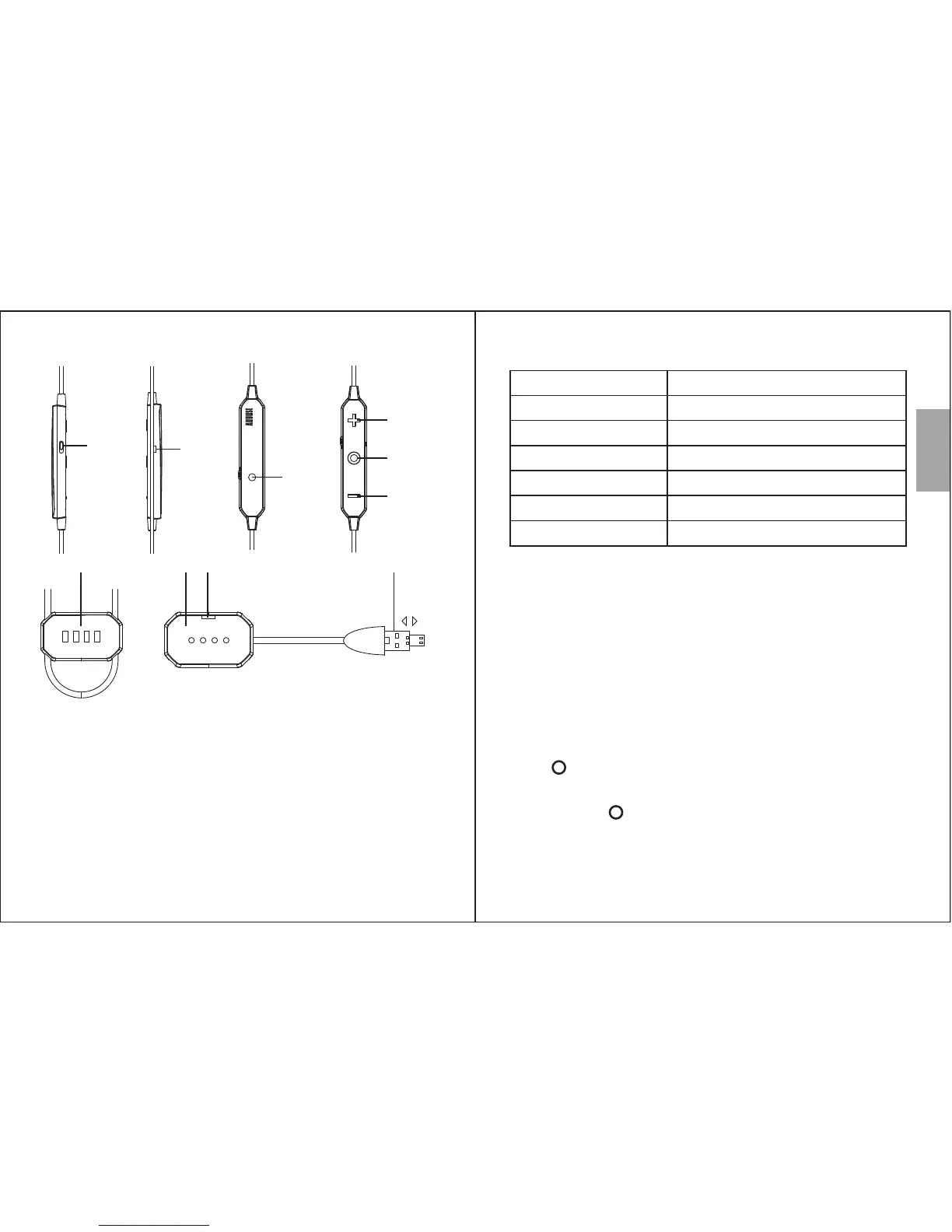
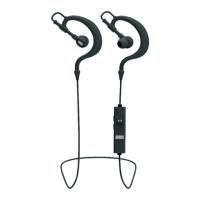
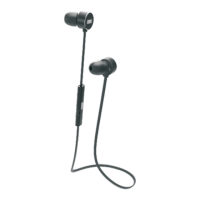
4. Part Names & Functions
English
-4-
-3-
5. Operation
5.1 Power
Please fully charge the EP725 before first use or if left unused
for a long period of time.
To charge, use the power cable to connect the earphones to a
powered USB port.
Whilst charging, the charging LED lights red and will turn off
once fully charged.
5.2 Turn On / Off
Press to switch on the EP725. The EP725 will enter
reconnection mode and the status LED will flash blue.
Press and hold for 3 seconds to switch off the EP725.
If there is no Bluetooth connection, the EP725 will turn off
automatically after 5 minutes.
1. Noise Cancelling Switch
2. Microphone
3. Status LED
4. Volume Up / Next
5. Power Button / Phone Call Control / Play / Pause
6. Volume Down / Previous
7. Magnetic charging connector
8. Magnetic charging base
9. Charging LED
10. Dual OTG / USB connector
Reconnecting / pairing
Paired
Low Battery
Noise Cancelling Activated
Charging
Fully Charged (Plugged in)
LED Status
Status LED lights white
Charging LED lights red
Off
Indication
Status LED flashing blue (Quickly)
Status LED flashing blue (Slowly)
Status LED flashing red (Slowly)
Status LED Meaning
1
2
3
4
5
6
7 8 9 10


 To Next Page