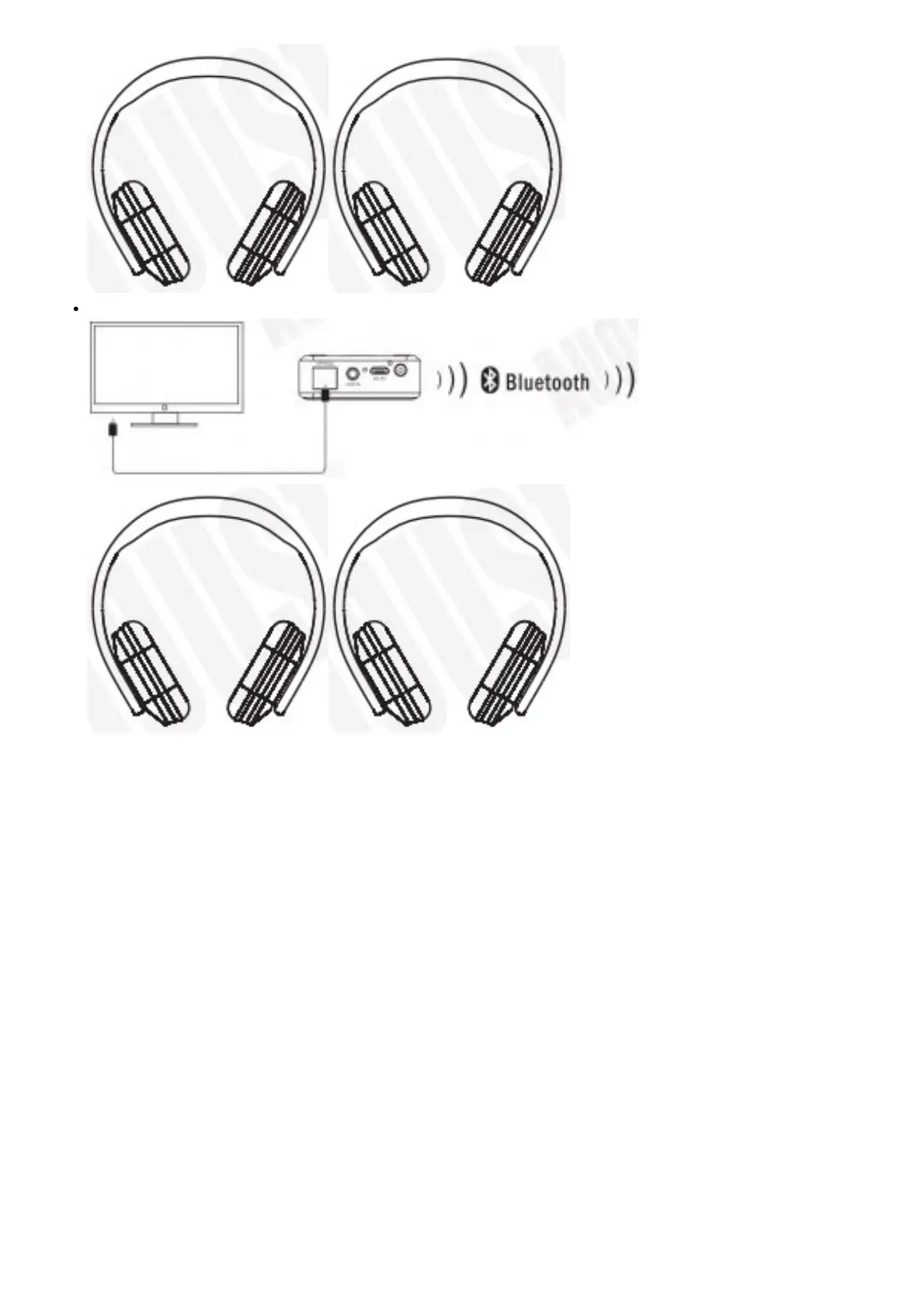
Optical connection
Note: When both optical and aux audio input are connected, themR270-Nnwill use the aux audio input.
Bluetooth Connection
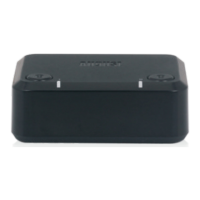
Press and hold the power button to switch the MR270.HOOtt Both status LEDs will light white and them R27o-i-D will
search for paired devices to connect to.
Connecting a Device
1. Press button I or button II to enter paring mode. In paring mode the status LED will flash blue quickly.
2. Enable Bluetooth on the receiving device and enter pairing mode (see the device’s user manual for more
information).
3. The MR270-HD will connect automatically to the receiving device. Once successfully paired, status LED I or II will
light blue, green, yellow or red constantly mode (see 4.1 Status LED Meaning for more information).
Clearing Bluetooth Connections Press and hold button II for 5 seconds to clear all paired devices from the MR270-HD.
Charging and Power Saving
Charging the Device
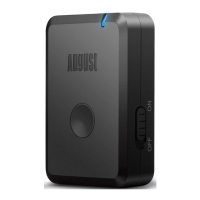
The status LEDs will flash white when the battery is low. To recharge, connect the MR270-HD to a power USB port using
the provided USB power cable.
Whilst charging, the charging LED will light red and turn green once the battery is fully charged.



 To Next Page