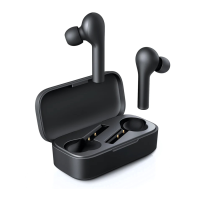
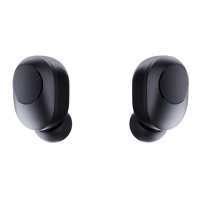
- 09 -
Play or pause
Increase volume
Decrease volume
Skip to next track
Skip to previous track
Tap the multi-function button on either earbud
Long-touch the multi-function button on the right earbud
Long-touch the multi-function button on the left earbud
Double-tap the multi-function button on the right earbud
Double-tap the multi-function button on the left earbud
Taking Calls
Answer or end a call
Tap either earbud multi-function button once. If there’s a
second incoming call, tap the multi-function button once
to answer the second call and end the first call. Alternatively,
touch and hold the multi-function button for 2 seconds to
answer the second call and put the first call on hold. Then
touch and hold the multi-function button for 2 seconds to
switch between these two calls
Reject an incoming call
Use Siri or other voice
assistants
Touch and hold either earbud multi-function button for 2
seconds
Triple-tap either earbud multi-function button



 To Next Page