- 06 -
Turning On / Off
Turn On
Turn Off
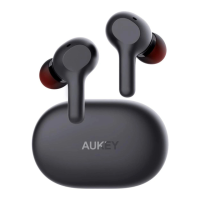
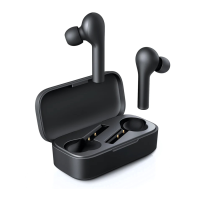
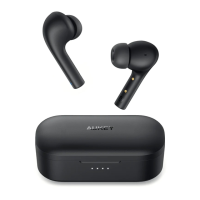
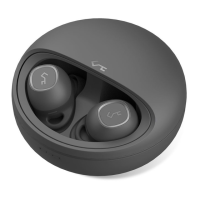
Take out the left and right earbuds simultaneously from the charging case
Put the left and right earbuds back into the charging case
Pairing
Starting with the earbuds in the case:
Take out the left and right earbuds simultaneously. They will turn on automatically
and connect with each other within 10 seconds
After the left and right earbuds are connected successfully, you will hear a “pairing”
voice notification from the right earbud, and the LED status indicator on the right
earbud will flash white rapidly. This indicates the earbuds are ready to pair
Turn on the pairing function on the device you want to pair with the earbuds
In the list of available devices, find and select “AUKEY EP-T10”
If a code or PIN is required for pairing, enter “0000”
Once the earbuds are successfully paired with your device, each time you want to use
them simply switch on (with automatic connection) and switch off as follows.
1.
2.
3.
4.
5.
To power on, simultaneously take the earbuds out from the charging case and they
will turn on automatically
●
Regular Use After Pairing


 To Next Page