- 07 -
Using the Right Earbud Only
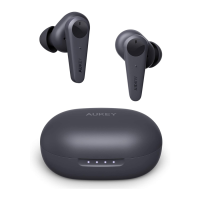
Starting with the earbuds in the case:
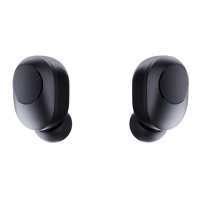
Take the right earbud out
You will hear a “pairing” voice notification, and the LED status indicator on the
earbud will flash white
Turn on the pairing function on the device you want to pair with the earbud
In the list of available devices, find and select “AUKEY EP-T10”
1.
2.
3.
4.
To power off, put the earbuds back into the charging case and it will start charging
the earbuds
●
The right earbud is the host earbud. The left earbud can't be used independently
When you turn on the earbuds, they will automatically reconnect to the last-paired
device or enter pairing mode if no paired device is found
To clear the pairing list, touch and hold the multi-function button on the right earbud
for 5 seconds when the earbuds are in the charging case. The LED status indicator will
flash 3 times
●
●
●
Notes


 To Next Page