EasyManua.ls Logo

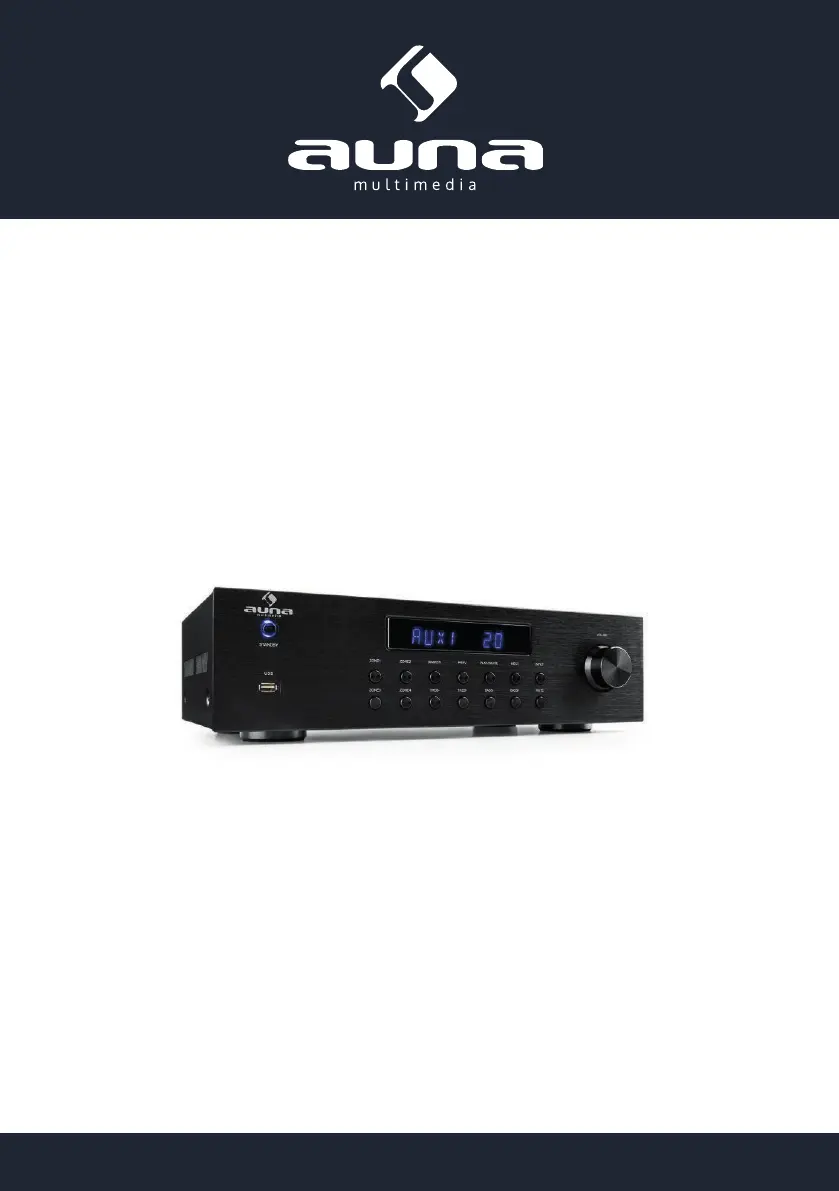
auna multimedia 10031404 - User Manual

auna multimedia 10031404
24 pages
Go to English
Print Icon
To Next Page IconTo Next Page
Loading...
www.auna-multimedia.com10031404 10032758
4-Zonen-Stereoverstärker

Questions and Answers

  • J
    Joseph EspinozaAug 11, 2025
    What to do if auna multimedia 10031404 Amplifier doesn't operate correctly with the remote?
    • C
      Catherine BoothAug 12, 2025
      If your auna multimedia Amplifier isn't responding to the remote, here are a few things to check: * **Battery condition:** The batteries might be dead, so try replacing them. * **Battery installation:** Ensure the batteries are inserted correctly, paying attention to the polarity. * **Distance:** Make sure you're not too far from the unit; try using the remote closer to the amplifier. * **Obstacles:** Remove any obstacles that might be blocking the signal between the remote and the unit. * **Button selection:** Verify you are using the correct button for the desired function.
  • M
    Mary WeaverAug 16, 2025
    Why is there no sound from my auna multimedia Amplifier even though it turns on?
    • F
      fergusontylerAug 17, 2025
      If your auna multimedia Amplifier powers on but produces no sound, the issue might be due to a disconnected speaker cable. Ensure the speaker cable is securely connected. Alternatively, the volume control might be set to the minimum level. Try turning the volume up.
  • D
    Debra JonesAug 22, 2025
    Why is sound coming from only one channel on my auna multimedia 10031404?
    • G
      goodnicoleAug 22, 2025
      If you're only getting sound from one channel on your auna multimedia Amplifier, the speaker connections or input/output connections might not be secure. Ensure all connections are securely connected.
  • V
    Victor MoodyAug 28, 2025
    What to do if some zones have no sound on auna multimedia Amplifier?
    • C
      Christopher CortezAug 29, 2025
      If some zones have no sound on your auna multimedia Amplifier, check the speaker connections to ensure they are securely connected. Also, verify that the volume for those zones isn't set to the minimum; adjust the zone volume control accordingly.
  • L
    Lisa TranSep 4, 2025
    How to fix reversed instrument sound in stereo playback on auna multimedia Amplifier?
    • A
      Andrew BaxterSep 4, 2025
      If the instrument sound is reversed during stereo playback on your auna multimedia Amplifier, it could be due to incorrect speaker or input polarity. Ensure that the + and - connections are correctly connected for both the speakers and the input.

auna multimedia 10031404 Specifications

General IconGeneral
Brandauna multimedia
Model10031404
CategoryAmplifier
LanguageEnglish

Related product manuals