EasyManua.ls Logo

auna multimedia AMP-2580 - User Manual

auna multimedia AMP-2580
11 pages
Go to English
Print Icon
To Next Page IconTo Next Page
Loading...
http://www.auna-multimedia.com
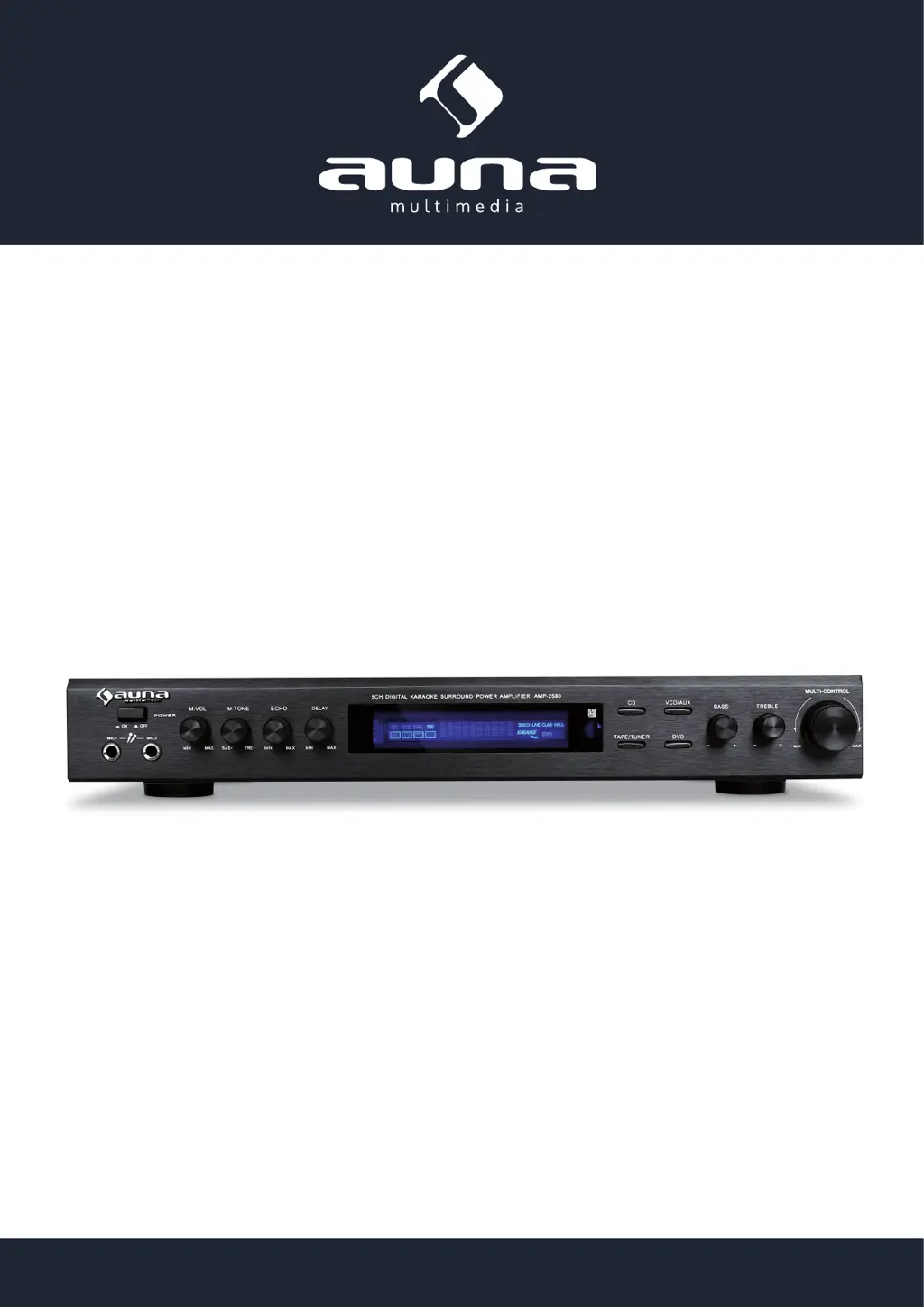
HiFi-Receiver AMP-2580
5-Kanal-Surround-Receiver
10003733 10003735

Questions and Answers

  • R
    Ricardo MarquezAug 13, 2025
    Why is there no power to my auna multimedia AMP-2580 Receiver?
    • A
      ambersimpsonAug 13, 2025
      If your auna multimedia Receiver isn't powering on, even when pressing the power button, there might be a few reasons. First, check that the plug is correctly inserted into the outlet. Ensure that the outlet itself has power. If the issue persists, the internal fuse might have blown and need replacement. Also, make sure you have pressed the power button.
  • D
    Denise DawsonAug 16, 2025
    What to do if my auna multimedia Receiver speakers aren't making any sound?
    • P
      portegaAug 16, 2025
      If your speakers aren't producing sound, try these steps: First, ensure that you've selected the correct input signal on the Receiver. Then, carefully check all speaker and input connections to confirm they are secure. Finally, verify that the power supply to the audio source is working correctly.
  • B
    Bruce McdonaldAug 20, 2025
    Why is there noise with alternating current (AC) in my auna multimedia Receiver?
    • T
      Tammy GregoryAug 20, 2025
      If you're experiencing AC noise, it could be due to a few reasons. Check the input signal cable and plug for bad contact. Ensure you are using shielded cables for the signal. Also, try relocating the Receiver away from transformers or generators. Lastly, inspect any connected accessories for defects and replace if necessary.
  • R
    Randy WilliamsAug 25, 2025
    How to fix distorted sound from auna multimedia Receiver speakers?
    • D
      Derek HallAug 25, 2025
      If the sound from your speakers is distorted, it may be because the speakers are not positioned correctly; try repositioning them. Also, check the speaker cables to ensure they are not in reverse polarity, and correct the connections if needed.
  • A
    ashley77Aug 27, 2025
    What to do if karaoke is not working normally on my auna multimedia Receiver?
    • T
      Thomas MuellerAug 27, 2025
      If the karaoke function isn't working as expected, try these adjustments: First, tune the volume and sound levels to a suitable setting. Next, adjust the echo and delay settings. If the problem continues, the microphone may be defective and need replacement.
  • M
    matthewwilsonAug 31, 2025
    Why is the bass weak and sound unbalanced on my auna multimedia Receiver?
    • B
      Brian TaylorAug 31, 2025
      If the bass is weak and the sound is unbalanced, it could be due to improperly connected +/- speaker cables; reconnect them correctly. Additionally, try readjusting the highs and lows to achieve a better balance.
  • K
    Keith BlackSep 4, 2025
    Why is there no sound from the microphone on my auna multimedia Receiver?
    • R
      Richard LopezSep 4, 2025
      If there's no sound coming from the microphone, first adjust the microphone volume. If that doesn't work, inspect the microphone cable for short circuits.
  • R
    Rebecca WattsSep 8, 2025
    Why are the center surround speakers not making any sound on my auna multimedia AMP-2580?
    • N
      Nicholas NicholsSep 8, 2025
      If your center surround speakers aren't producing sound, inspect the speaker cables for short circuits.

auna multimedia AMP-2580 Specifications

General IconGeneral
Brandauna multimedia
ModelAMP-2580
CategoryReceiver
LanguageEnglish