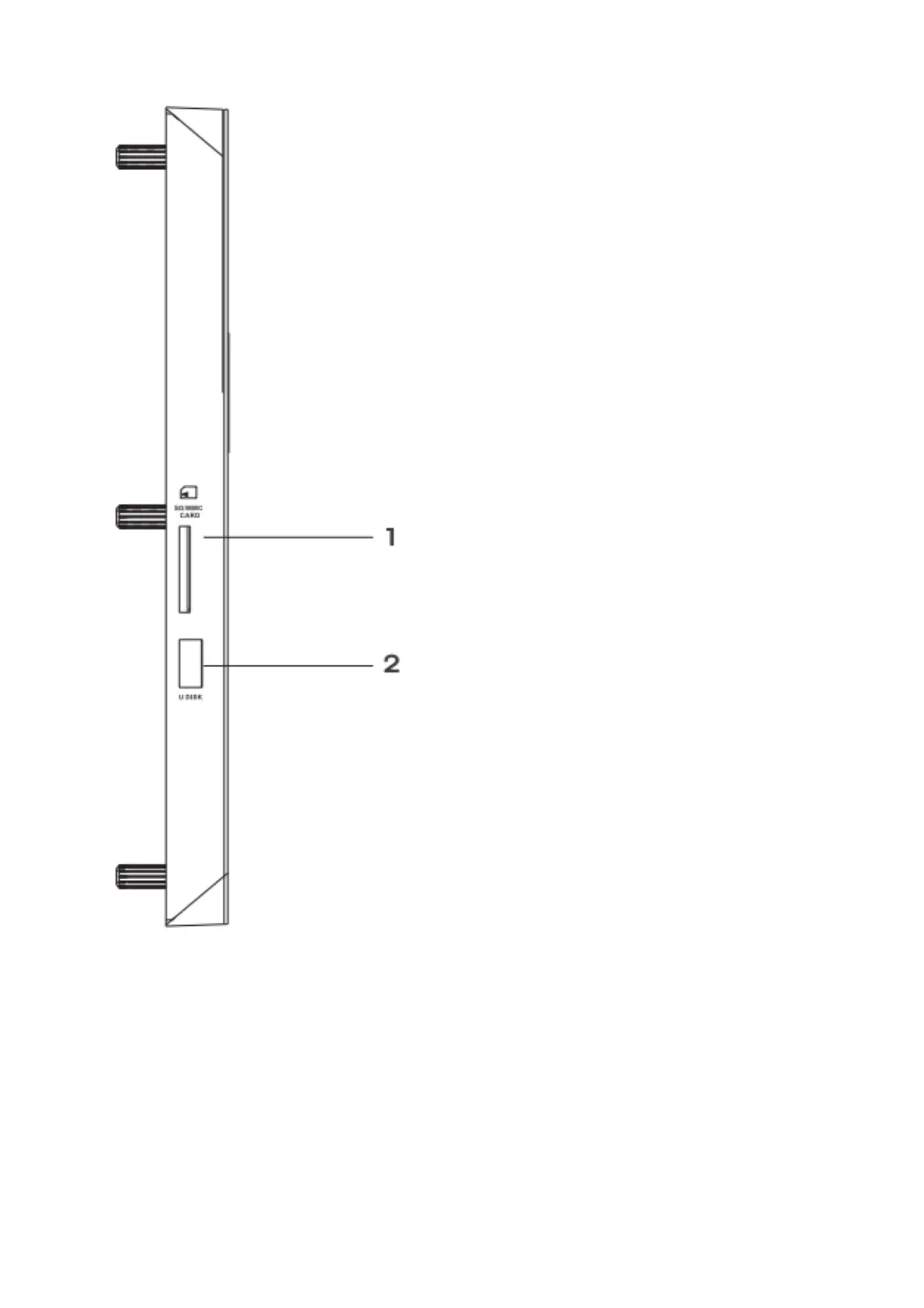
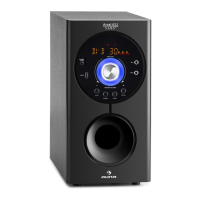
1. SD card socket
2. USB socket
1. It will take a little longer time when the capacity of your USB and SD card more than 8 GB, suggest
using the card below 8 GB.
2. USB and SD automatic switching Play.
3. When using SD card function, it is required to choose SD Card whose memory is more than 512M
and also is legal edition.
4. Support WMA Format in USB/SD/MMC




 To Next Page