EasyManua.ls Logo

auna MD-140-BT - User Manual

auna MD-140-BT
44 pages
Go to English
Print Icon
To Next Page IconTo Next Page
Loading...
http://www.auna-multimedia.com
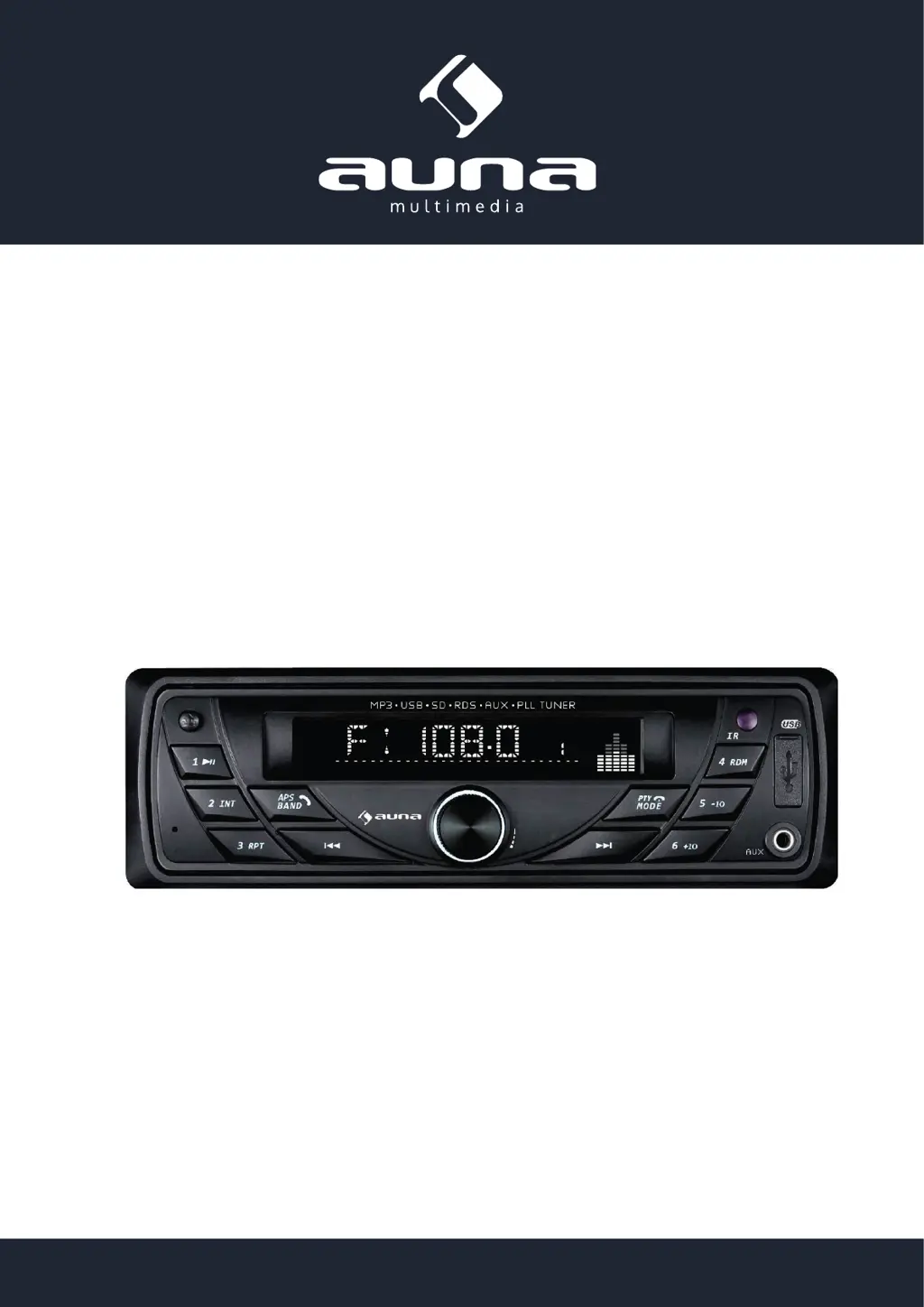
Auna MD-140-BT Autoradio
MP3 USB SD RDS AUX PLL BT
10007164

Questions and Answers

  • J
    Julie YoungAug 10, 2025
    What to do if my auna MD-140-BT Car Receiver has no or weak sound?
    • M
      michealballAug 10, 2025
      If your auna Car Receiver has no or weak sound, first check the connections and correct any errors. Then, ensure the volume balancer is set in the middle. Also, make sure the speaker is connected to the negative terminal and is not grounded by one end.
  • A
    Annette GrahamAug 16, 2025
    How to fix an auna MD-140-BT that is unable to turn on?
    • E
      Erica ThorntonAug 16, 2025
      If your auna Car Receiver is unable to turn on, the fuse might be broken. Replace it with a new one that has the same specifications.
  • D
    Dr. Kristin FloresAug 22, 2025
    What to do if my auna MD-140-BT is malfunctioning?
    • C
      Christian NashAug 22, 2025
      If your auna Car Receiver is malfunctioning, try shutting it down and waiting for one minute before rebooting. You can also press the Reset button for 1~3 seconds.
  • D
    David MeyerAug 27, 2025
    Why does my auna MD-140-BT Car Receiver have poor reception?
    • T
      Theodore MorrowAug 27, 2025
      If your auna Car Receiver has poor reception, check if the automobile antenna is fully pulled out. Also, verify that the radio automatic control wire, antenna, and grounding wire are well connected. Poor grounding of the antenna may also be the cause.
  • W
    whowellSep 3, 2025
    How to fix no memory issue on auna MD-140-BT?
    • S
      Stephen SmithSep 3, 2025
      If your auna Car Receiver has no memory, the ignition wire and positive power cable might be connected incorrectly. Switch those two wires and then reconnect them.

auna MD-140-BT Specifications

General IconGeneral
Brandauna
ModelMD-140-BT
CategoryCar Receiver
LanguageEnglish

Related product manuals