42
EN
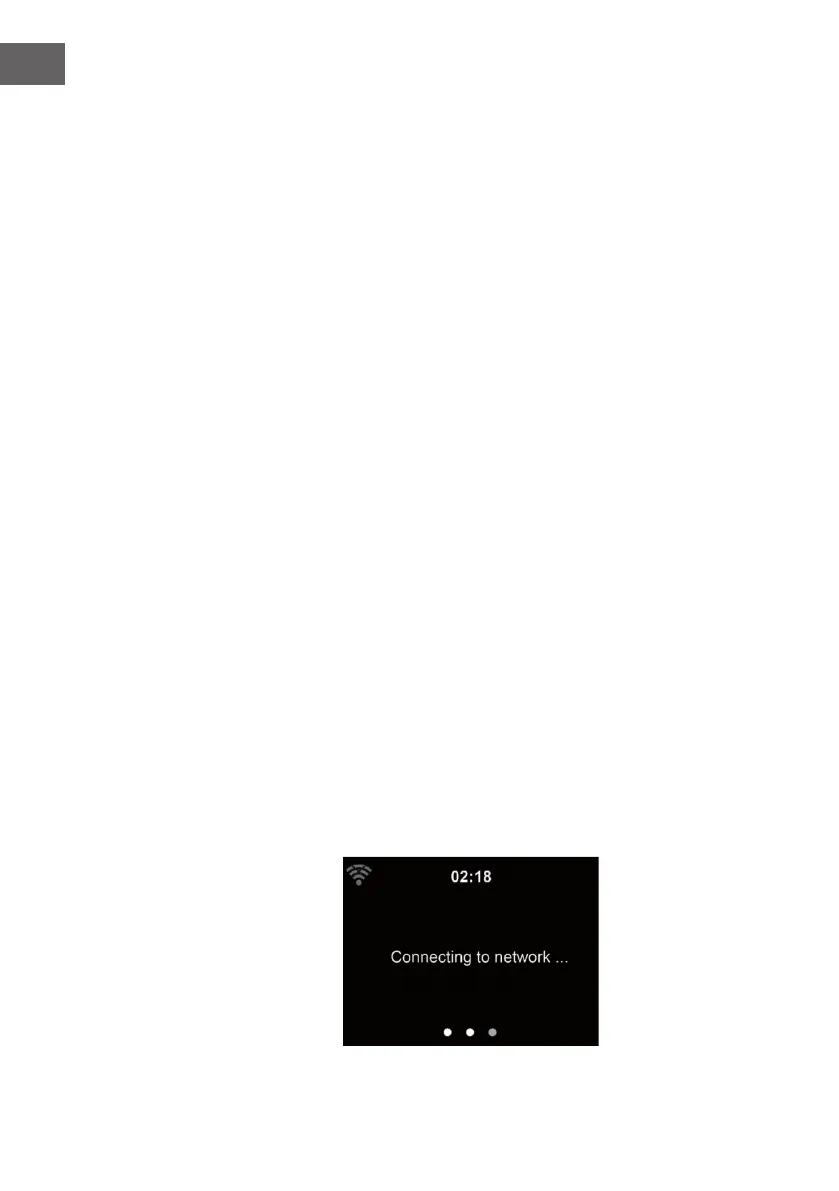
The number of bars in the wireless symbol in front the network name(SSID)
shows the relative signal strength of the network. The key symbol indicates
that the network is password-protected.
If the device does bot nd any wireless networks, , No wireless Networks
found' appears on the display. Change your location, if necessary. And
check your WLAN router. You can nd the SSID of your Access Point in the
conguration of the Access Point(Router). Select your network and conrm
witk OK. If your WLAN is password-protected, you will be prompted to enter
your password. Enter the password using the buttons on the device.
Note the use of upper and lower case when entering the password.
You can rotate reel to choose the code. If it is accidentally pressed ‘’ to
move a redundant entry. Press ‘’ to correct.
With remote control
The cursor indicates the current entry space.
Press the corresponding number button repeatedly.
0 0(delete entry)
1 1(space) @ ! ” # $ % & ( ) * ’ + - { \ | }< >?........
2 2 A B C a b c
3 3 D E F d e f
4 4 G H I g h i
5 5 J K L j k l
6 6 M N O m n o
7 7 P Q R S p q r s
8 8 T U V t u v
9 9 W X Y Z w x y z
buttons:
: Go to previous entry space, entry can be overwritten
: Go to next entry space, the last entry is saved
Select number/letter
OK on the remote control to conrm entire entry.
It may take a few seconds to establish the connection to the network.


 To Next Page