Function introduction
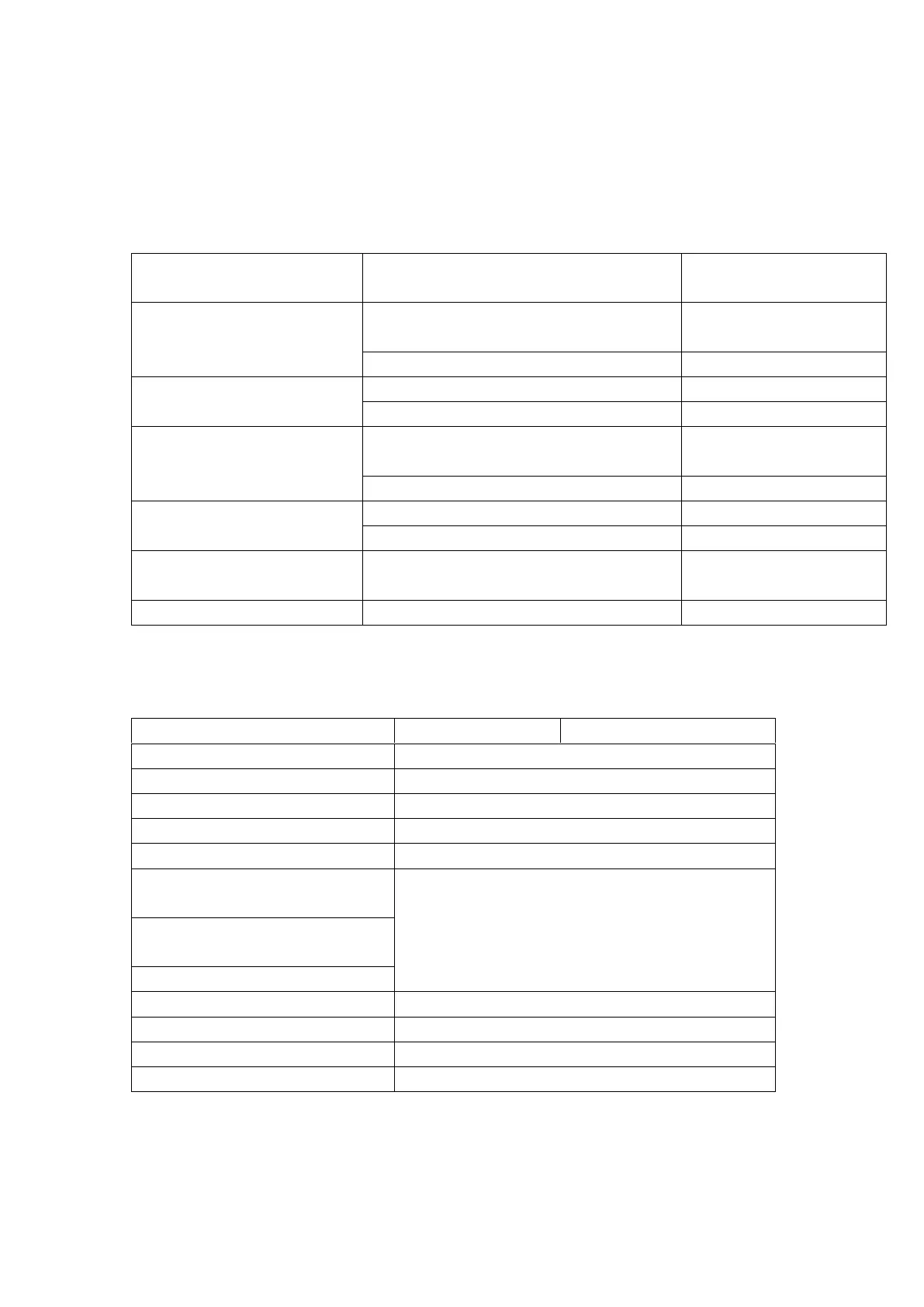
Charging bin
Status of indicator light of charging bin
Status of function of
charging bin
Orange light is constantly on for 13
seconds
Green light is constantly on for 13 seconds
Close charging bin
(or click the key)
Orange light is constantly on for 3 seconds
Green light is constantly on for 3 seconds
Orange light is constantly on for 13
seconds
Green light is constantly on for 13 seconds
Click the key during charging
Orange light is constantly on for 3 seconds
Green light is constantly on for 3 seconds
Open the cover and long
press the key for 3 seconds
Forced to enter the mobile
phone connection mode
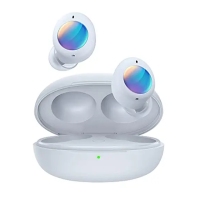
Headset in/out of the bin
Headset
Play/pause/answer/hang up
ANC ON
Noise reduction mode (ANC ON)
Long press to switch three modes
ANC OFF
Normal mode (ANC OFF)
Prompt voice of low power


 To Next Page