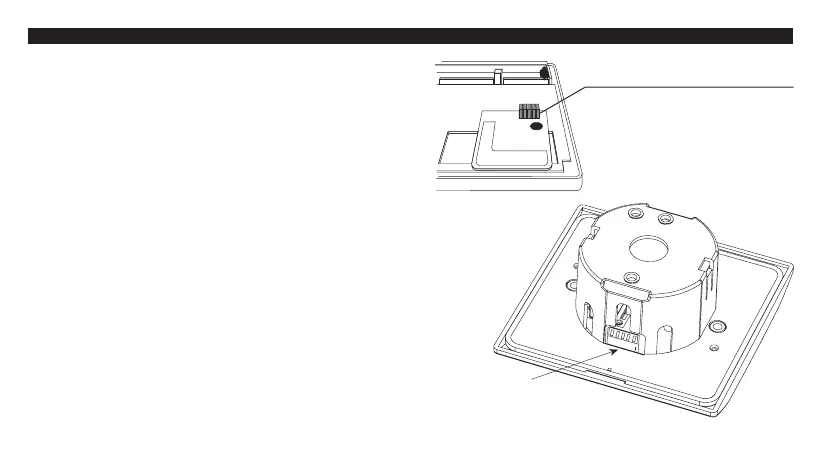
3. Remove one or more of the jumper cap as
shown in the diagram below.
Caution :
1. Address code of Control Center must be the
same as address code of Receiver. For any
jumper cap removal of address code # in Control
Center, same address code # of Receiver must
be put to the UP position.
2. Disconnect AC power and remove batteries
before adjusting address code.
Remove one or more of
the jumper cap to adjust
RF address code.
Address code # 1 - 5,
from left to right
ARATON 2100 TX
7
DIP
1
2
3
4
5
ON
Push up one or more of the
white levers to adjust
Receiver address code.
Address code # 1 - 5, from
left to right.



 To Next Page