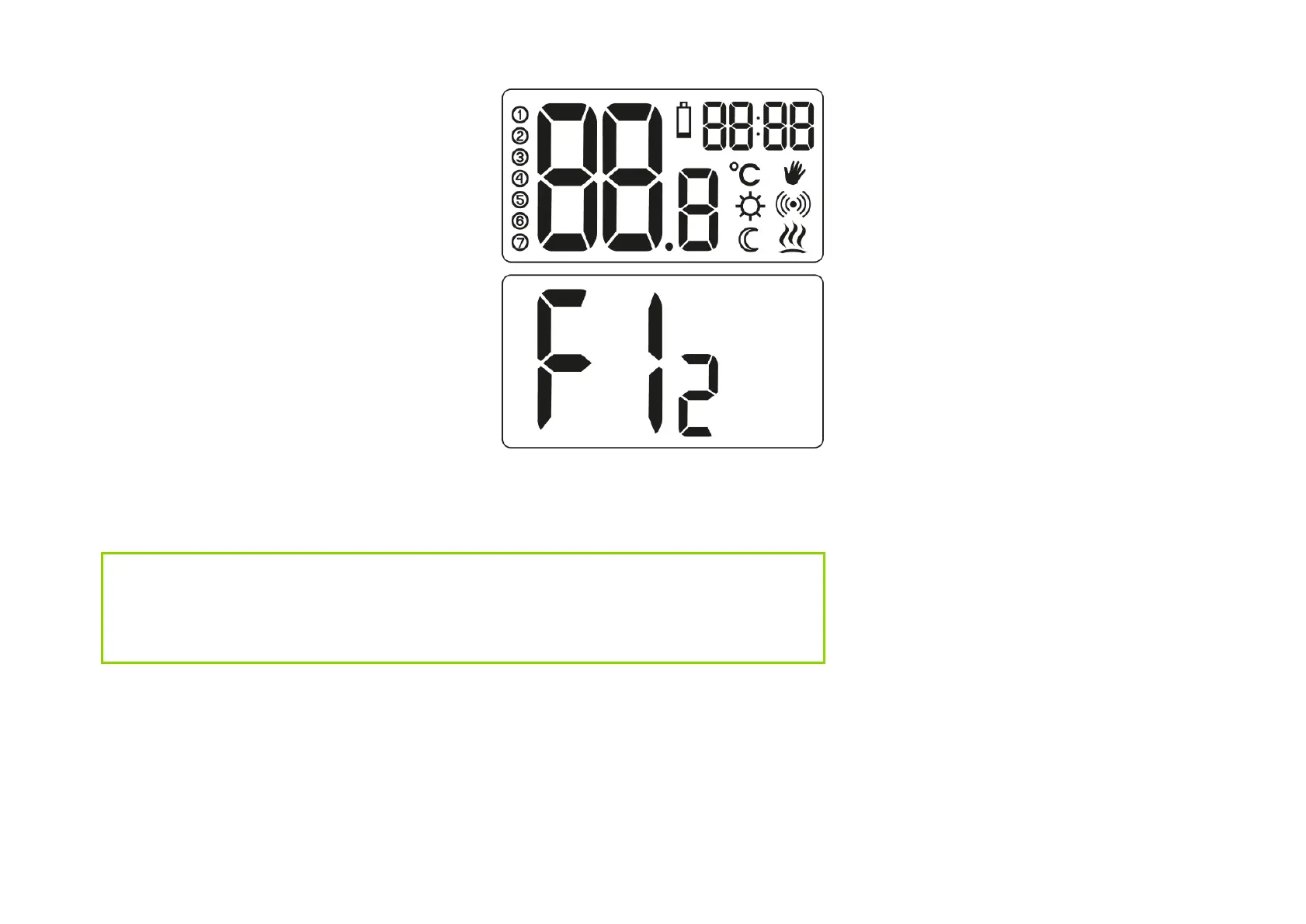
After the batteries are correctly
inserted into the sockets, all segments
(display test) will appear on the LCD
display for a second, followed by the
software version number. After a while,
the current room temperature will be
displayed automatically. AURATON
Auriga is ready for operation.
Temperature setting
NOTE:
The first pressing of any function button always turns on the backlight, and
only the next call of the button function.
To set the desired temperature in the
normal operation mode:
1
. Press the e or
f button . The
segment responsible for displaying



 To Next Page