&
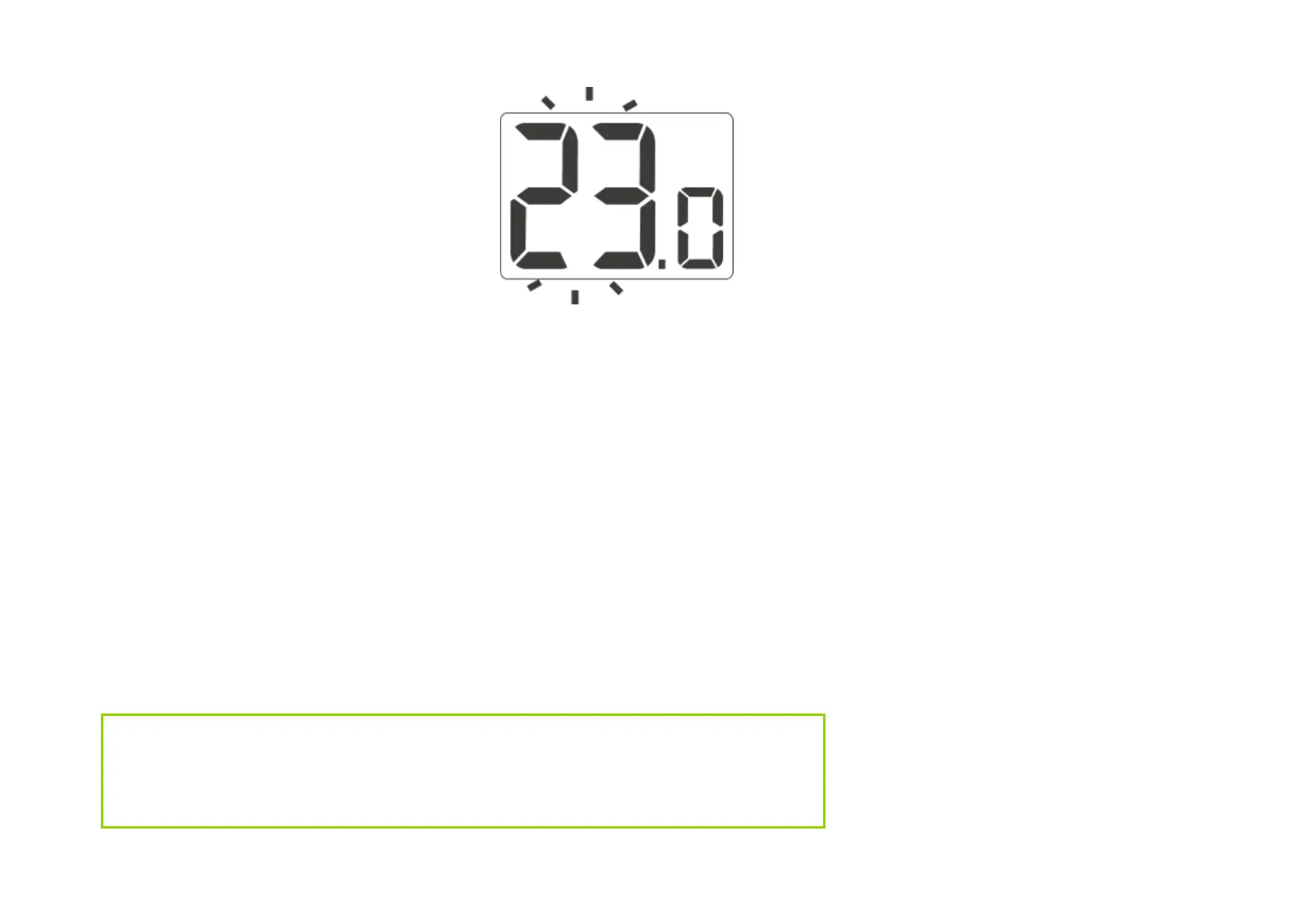
the temperature will enter the edit
mode and start blinking.
2
. Use the e and
f buttons to set
the desired temperature with an
accuracy of 0.2 ° C
3
. The selection is confirmed by a
short press of the
g button
Setting the "temporary temperature reduction"
mode
If we would like to lower the temperature in the room by 3 ° C every day at
the same time of the day, it is possible to temporarily reduce it for a period of
6 hours. To do this:
1
. Press and hold the & button for 3 seconds . The display shows the moon symbol
(
T ) and the hour indicator (6: h).
2
. AURATON Auriga enters the "temporary temperature reduction" mode and every day
at the same time
will lower the programmed temperature in the normal mode by 3 °
C for a period of 6 hours.
NOTE:
After 6 hours, the AURATON Auriga will return to its base temperature setting.
Instead of the moon symbol ( T ), the sun symbol ( S )will appear on the screen.



 To Next Page