The hysteresis change mode is signaled by a flashing HI. Turn the knob to the left or right to set the
desired hysteresis.
HI 2 – ±0,2 °C (preset),
HI 4 – ±0,4 °C,
HI P – PWM operating mode (see chapter “PWM operating mode”).
Confirm your choice by pressing the ( button. AURATON Libra will proceed to change the next
parameter.
Changes in the delay
The delay prevents too frequent activation of the actuator, e.g. due to temporary drafts (caused by
opening the window, etc.).
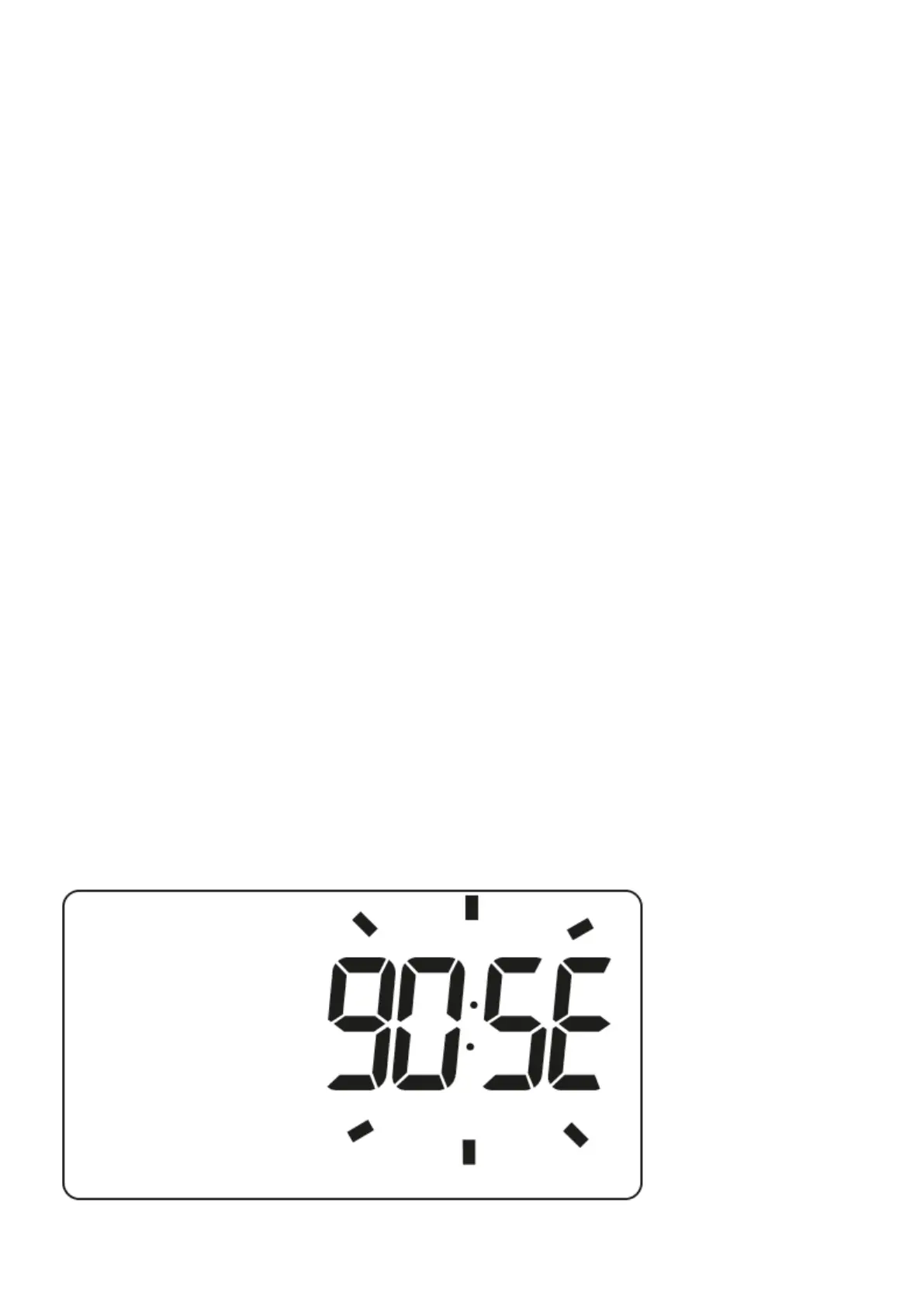
The delay change mode is signaled by a flashing 90:SE. By turning the knob left or right, we set the
delay.
90:SE – delay of 90 s (preset),
0:SE – no delay
Confirm your choice by pressing the ( button. AURATON Libra will proceed to change the next
parameter.



 To Next Page