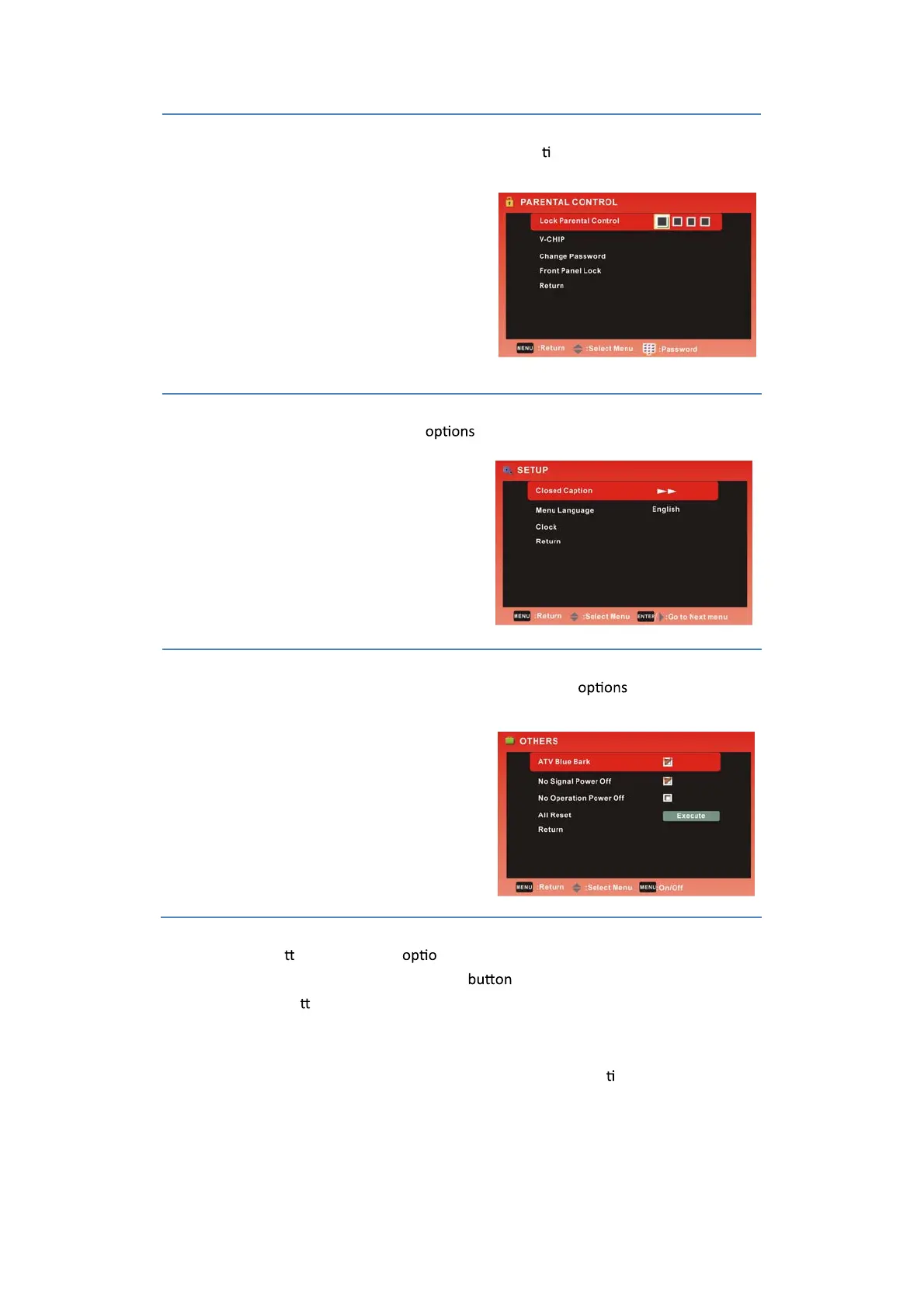
SETUP MENU:
Allows you to set up a variety of setup
. (Select TV source)
PARENTAL CONTROL:
Allows you to set up a variety of PARENTAL CONTROL op
ons. (Select TV source)
OTHERS MENU:
Allows you to search OTHERS and set up a variety of channel
. (Select TV source)
4. Use the
Ÿ
/
ź
bu ons to select an n of the sub-menu, and press the Ź button.
While in adjustment mode, use the
Ż
/
Ź
to change the value of the item.
5. Press the MENU bu
on to exit the menu.
Note:
Only when you input the suitable signal, the relevant items can be ac
vated.
13



 To Next Page