12 GB/IE/NI
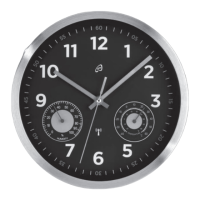
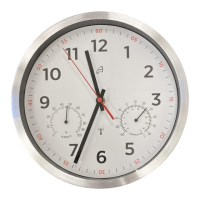
Within 4 minutes, the hands will move to 12 o’clock. The radio signal reception
is initiated once all the hands have moved to the 12 o’clock position. After 3 -
10 minutes, the clock will receive the signal and set itself to the exact time.
The reception of the DCF / MSF radio time signal by the wall clock can also be
started manually.
Press and hold the REC button
3
at least 5 seconds. The wall clock attempts
to receive the DCF / MSF radio time signal. This process takes a few minutes to
complete.
Note: If the wall clock was not able to receive the DCF / MSF radio time signal
because of errors, e.g. due your location to being at too great a distance from the
transmitter or for other reasons, you can set the time manually. The manually set
value is overwritten as soon as reception of the DCF / MSF radio time signal is
successful.
Note: For products in tended for Romania, Cyprus, Bulgaria and Greek, the
display stops at “01:00”.
Note: For products in tended for the United Kingdom, Ireland and Portugal, the
display stops at “11:00”.
Setting the time manually
Press and hold the M.SET button
4
at least 3 seconds. The wall clock
switches into manual mode.
Press and hold the M.SET button
4
again until the hands reach the correct
position for you to set the time.
Briefly pressing the M.SET button
4
moves the hands forward in one minute
steps to enable you to set the current time manually.


 To Next Page