Basic settings
The following values can be set: Time zone, time, date, language of the day of the week display and location.
Press and hold the MODE-button 15 for 3 seconds while in normal time display mode. The time zone will blink and can
be set by pressing the -/ -button 11 or the +/12/24 -button 14. Press the MODE-button 15, to confirm your setting.
Set the hours, minutes, seconds, year, month, day, language of the day of the week display (GE=German, FR=French,
ES=Spanish, IT=Italian, NE=Dutch, DA=Danish, RU=Russian, EN=English), your country and your city (see location
table) in the same way. After changing the location, it will take some time for the weather station to update the times for
sunrise, sunset, moonrise and moonset.
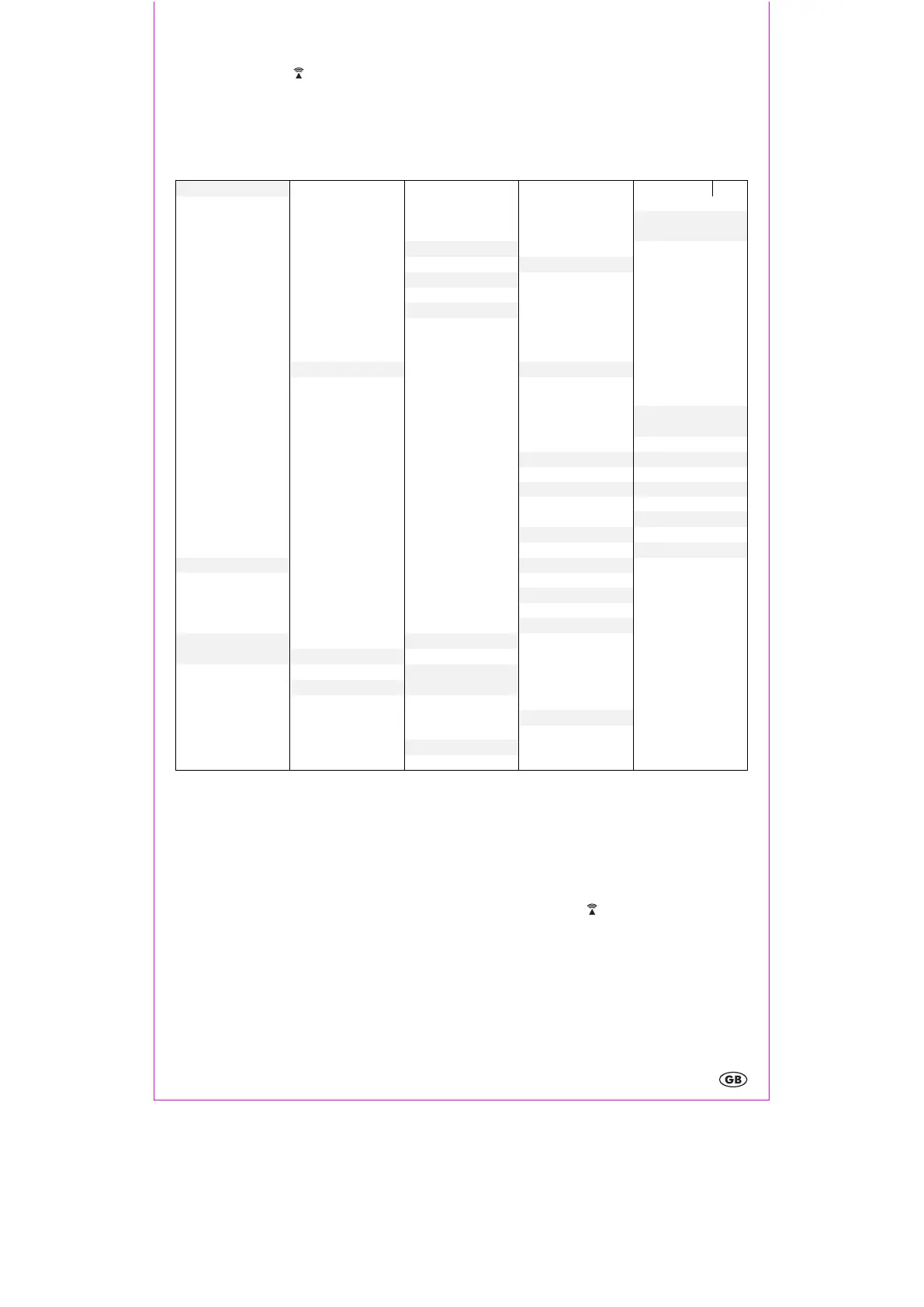
Location table
Liechtenstein
Mallorca
Republic
CZR
Andorra
ESP
Andorra AND
Salzburg SAL
Sunrise, sunset, moonrise and moonset times
After setting your country and city, the weather station will calculate the approximate times for sunrise, sunset, moonrise
and moonset.
Note: The calculated times are approximate. Differences can also result from your local terrain and weather.
Briefly display the approximate number of hours of sunlight for the current day by pressing SUN/MOON-button 31. If
you wish to see the sunrise or sunset times for another location or another date, press and hold the SUN/MOON
SUN/MOONSUN/MOON
SUN/MOON-
button 31
3131
31 for 3 seconds. The country will blink and can be selected by pressing the -/ -button 11 or the +/12/24 -
button 14. Confirm your setting by pressing the SUN/MOON-button 31. Set the city, year, month and day in the same
way and confirm each setting by pressing the SUN/MOON-button 31.


 To Next Page