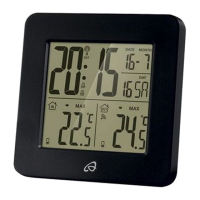
AFT 77 B2
US - EN
│
23 ■
Displaying the maximum/minimum temperature
Once the power supply and the connection to the outdoor sensor have
been established, the maximum and minimum temperatures are auto-
matically recorded and saved by the temperature station.
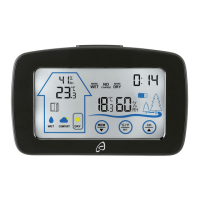
♦ In basic mode, press the
button0 once. The symbol is
shown on both temperature panels, and the highest measured
temperature for indoors and outdoors is displayed.
♦ Press the
button0 twice: the symbol is shown and the
lowest measured temperature for indoors and outdoors is displayed.
♦ Press the
button0 again to show the current indoor and
outdoor temperatures.
Changing the temperature unit of the outdoor sensor
On delivery, the temperature unit is preset to degrees Fahrenheit ( ).
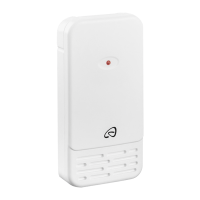
♦ Open the battery compartmentg on the back of the device by
sliding the battery compartment coverh in the direction of the arrow.
♦ Press the
°C/°Fbuttong to change the temperature unit on the
outdoor sensor displayp.
♦ Close the battery compartmentg again.
Battery replacement indicator
If the battery symbol is shown on the indoor temperature panel7,
the batteries in the temperature station should be replaced as soon as
possible (see also section Operating the temperature station).
If the battery symbol
is shown on the outdoor temperature panelr
or on the outdoor sensor displayp, the batteries in the outdoor
sensor should be replaced as soon as possible (see also section
Operating the outdoor sensor).
IB_345564_AFT77B2_Funk-Temperaturstation_LB9.indb 23_
345564_AFT77B2_Funk-Temperaturstation_LB9.indb 23
10.09.20 15:


 To Next Page