EasyManua.ls Logo

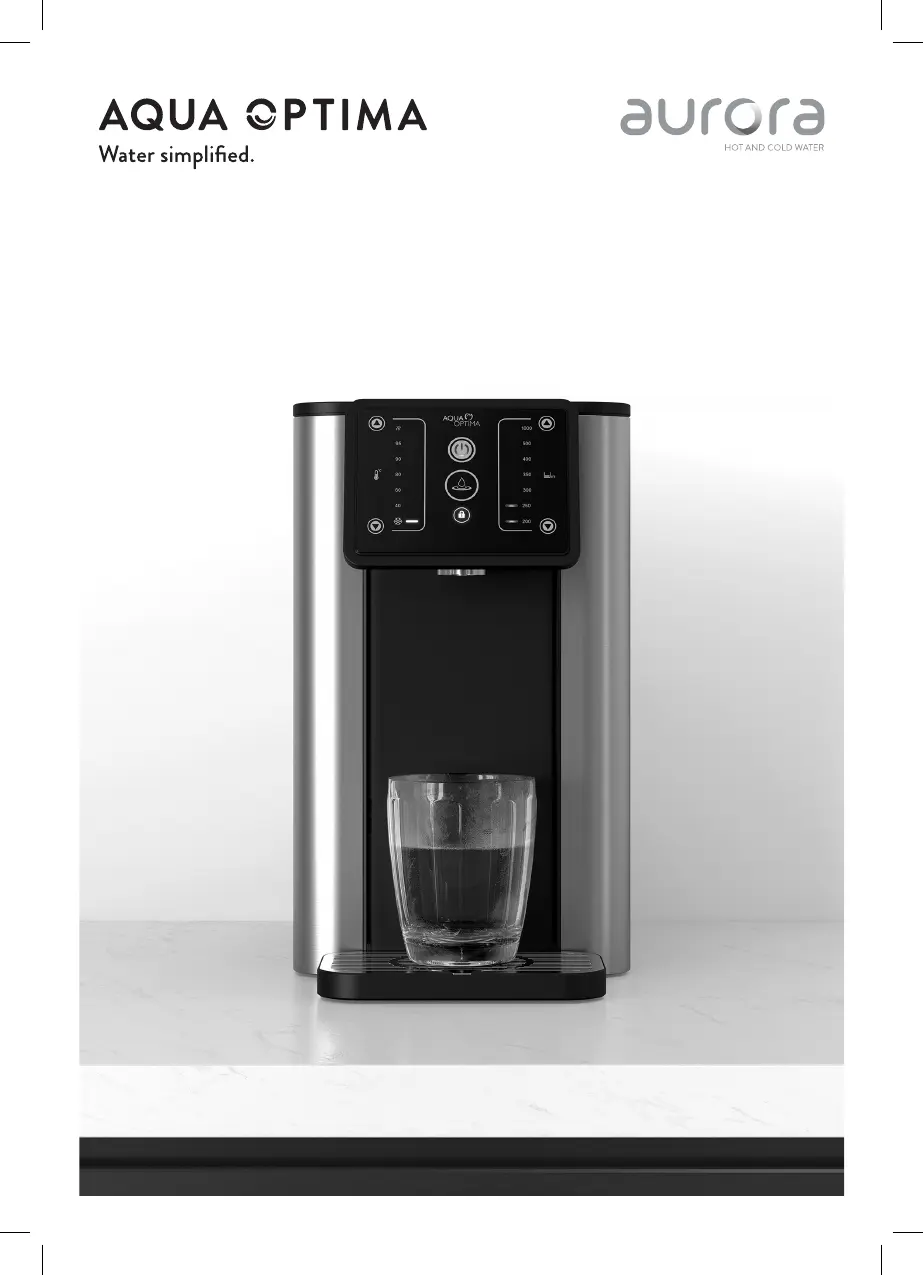
Aurora AQUA OPTIMA - User Manual

Aurora AQUA OPTIMA
100 pages
Print Icon
To Next Page IconTo Next Page
Loading...
AUR001
Aurora user manual
Aurora Gebrauchsanweisung
Manuel d’utilisation Aurora
Aurora - Manuale utenti
Manual de usuario Aurora

Questions and Answers

  • D
    duncanalexandraJul 29, 2025
    What to do if the refill water warning symbol appears on my Aurora AQUA OPTIMA Coffee Maker?
    • M
      matthewhendersonJul 30, 2025
      If the refill water warning symbol is on, your Aurora Coffee Maker's water tank is likely empty, so refill the water tank above the minimum level. Alternatively, the tank might not be fitted correctly; reassemble the water tank, ensuring the top of the tank is flush with the top of the machine.
  • C
    cwalkerAug 4, 2025
    Why is the descale/rinse warning symbol flashing on my Aurora AQUA OPTIMA?
    • A
      Amanda MoralesAug 4, 2025
      If the descale/rinse warning symbol is flashing on the screen of your Aurora Coffee Maker, it means the appliance needs descaling. Perform a descale cycle following the instructions in section 6.
  • M
    Manuel BrewerAug 10, 2025
    What to do if Aurora AQUA OPTIMA Coffee Maker water flow is low and there is scale in the water?
    • E
      Emily HillAug 10, 2025
      If the water flow from your Aurora Coffee Maker decreases or you notice scale in the dispensed water (but the descale/rinse warning symbol is not visible), it indicates scale buildup inside the appliance. Perform a manual descale cycle following the instructions in section 6.
  • C
    Courtney PrestonAug 16, 2025
    How to reset filter warning on Aurora AQUA OPTIMA?
    • P
      Paul GriffithAug 16, 2025
      If the change filter warning symbol is illuminated on the screen of your Aurora Coffee Maker, it means the filter life has expired. Change the filter following the Aqua Optima filter instructions and reset the filter warning symbol by holding it for 3 seconds.
  • C
    Caroline WalkerAug 23, 2025
    What does it mean when the descale/rinse symbol is always on for Aurora Coffee Maker?
    • R
      Roy FryAug 23, 2025
      If the descale/rinse warning symbol is constantly illuminated on your Aurora Coffee Maker's screen, the appliance needs rinsing. Perform a rinsing cycle using the instructions in section 5.

Summary

Important Safeguards

General Safety Precautions

Essential safety measures for using electrical appliances and preventing hazards.

Control Panel Overview

Key Controls and Indicators

Describes the functions of On/Off, Lock, Dispense buttons and temperature/volume selection.

Setup, First Use and Cleaning

Initial Appliance Setup

Steps for preparing the appliance, fitting the filter, and initial water filling.

Filter Cartridge Preparation

Instructions for soaking and flushing the Aqua Optima Evolve+ filter.

Appliance Cleaning

Guidelines for cleaning internal and external parts using a damp cloth.

How to Use the Appliance

Dispensing Water and Child Lock

Guide to dispensing water and activating the child lock feature.

Rinsing Cycle

Performing Rinse Cycle

Instructions for initiating and completing the appliance's rinse cycle.

Descaling Procedure

Descaling Process

Covers both automatic and manual descaling steps for maintenance.

Installation and Positioning

Placement and Safety Warnings

Guidelines for proper appliance placement and critical safety advice.

Troubleshooting Guide

Common Issues and Solutions

Addresses common problems like machine not starting or dispensing.

Error Codes and Meanings

Lists appliance error codes and their corresponding operational issues or descriptions.

Aurora AQUA OPTIMA Specifications

General IconGeneral
BrandAurora
ModelAQUA OPTIMA
CategoryCoffee Maker
LanguageEnglish

Related product manuals