EasyManua.ls Logo

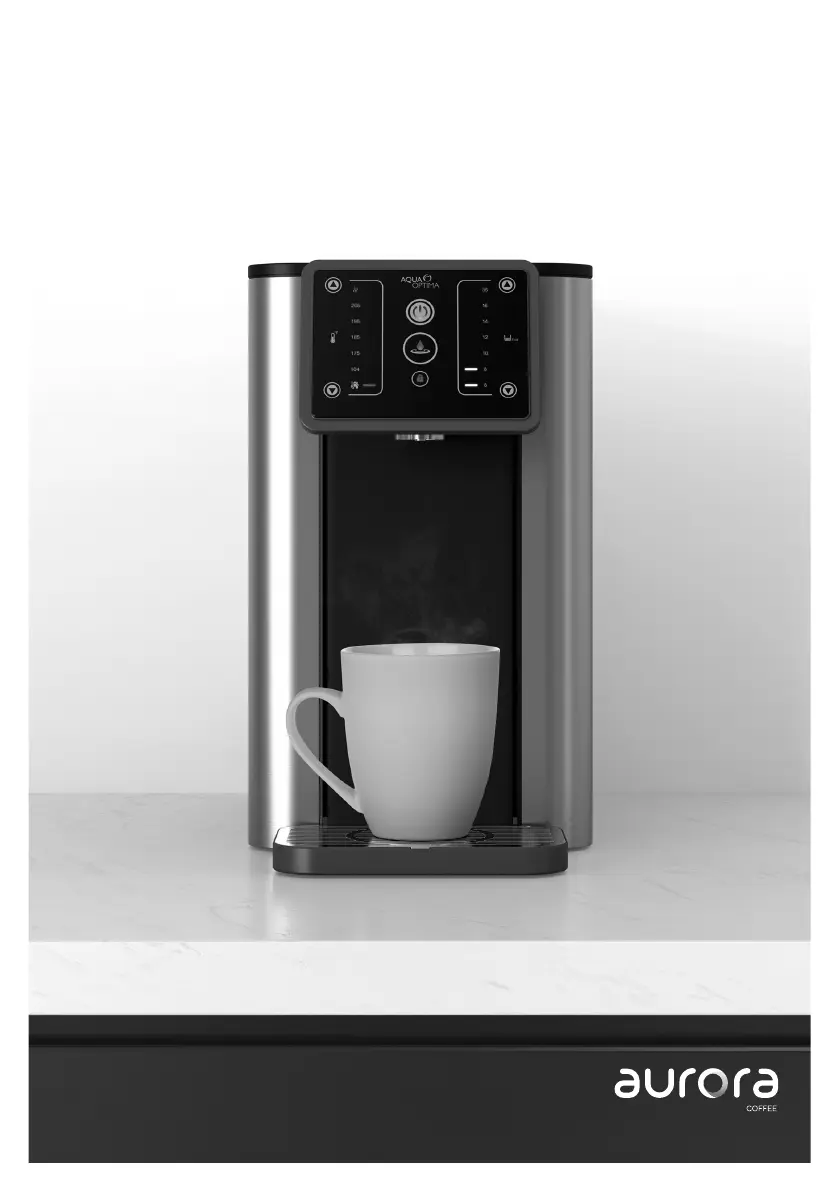
Aurora AUH012 - User Manual

Aurora AUH012
20 pages
Print Icon
To Next Page IconTo Next Page
Loading...
Aurora user manual
Manual de instrucciones
Manuel d’utilisation d’Aurora
AUH012

Questions and Answers

  • A
    Angelica DuncanJul 30, 2025
    How to reset the filter warning symbol on Aurora AUH012 Kitchen Appliances?
    • K
      kayleejohnsonJul 30, 2025
      If the filter warning symbol illuminates on your Aurora Kitchen Appliances (after approximately 26.4 gallons/100L of use), it means the filter life has expired. Replace the filter following the Aqua Optima filter instructions. To reset the filter warning symbol, hold the reset button for 3 seconds.
  • A
    Anne WaltersAug 5, 2025
    What to do if the refill water warning symbol is on for Aurora AUH012?
    • G
      George HerreraAug 5, 2025
      If the refill water warning symbol appears on your Aurora Kitchen Appliances, it indicates that the water tank is empty. Refill the water tank following the descaling instructions.
  • M
    Miss Shannon HoganAug 11, 2025
    How to resolve the descale warning symbol on Aurora AUH012?
    • C
      Caleb ThorntonAug 11, 2025
      If the descale warning symbol appears on the screen of your Aurora Kitchen Appliances, it means the appliance needs descaling. Descale the appliance according to the descaling instructions in the manual.
  • V
    vmorrowAug 17, 2025
    Why won't my Aurora Kitchen Appliances start?
    • C
      Cameron GillAug 17, 2025
      If your Aurora Kitchen Appliances won't start, the appliance might be unplugged. Make sure the power cord is properly inserted into the appliance and that the plug is securely placed into the socket.
  • B
    Bradley DuncanAug 22, 2025
    What to do if Aurora Kitchen Appliances will not dispense?
    • K
      Kimberly HollandAug 22, 2025
      If your Aurora Kitchen Appliances won't dispense, it may require a rinse cycle. Press and hold the rinse/descale button for more than 0.5 seconds.

Summary

Parts Guide

Component Identification

Identifies key parts of the appliance like the lid, tank, and controls.

Safety Information

General Safety Precautions

Outlines essential safety measures to follow during appliance use.

Electrical and Usage Safety

Covers safe handling of power, liquids, and appliance placement.

Operational and Environmental Safety

Details safe operating practices and environmental considerations.

Product Compliance and Specific Warnings

Addresses product compliance, specific warnings, and accessory use.

Control Panel and Operation

Control Panel Overview

Explains the function of each button and display element on the control panel.

Indicator Icons and Functions

Describes the meaning of various indicator lights and their related functions.

Setup, First Use, and Cleaning

Initial Setup Procedures

Guides through the essential steps for preparing the appliance for first use.

Filter Cartridge Preparation

Details the process for preparing the Aqua Optima Evolve+ water filter cartridge.

Appliance Cleaning and Maintenance

Provides instructions for regular cleaning of the appliance parts.

Filter Replacement Guide

Explains how to replace the water filter cartridge when needed.

Using the Appliance

Step-by-step instructions on how to operate the appliance for dispensing water.

Descaling Procedure

Instructions for descaling the appliance to maintain performance and longevity.

Filter Performance and Care

Information on filter lifespan and general care for optimal water filtration.

Installation and Troubleshooting

Appliance Installation Guidelines

Covers proper placement and environmental considerations for installing the appliance.

Troubleshooting Common Issues

Lists common problems and their solutions for the appliance.

Manufacturers Limited Warranty

Aurora AUH012 Specifications

General IconGeneral
ModelAUH012
CategoryKitchen Appliances
Power300 W
Voltage220-240 V
Frequency50/60 Hz
ColorWhite
MaterialPlastic