Lift the bike by the handlebars and check that the
handlebars are spinning smoothly and freely, and that
there is no slack when bouncing the front wheel on
the ground.
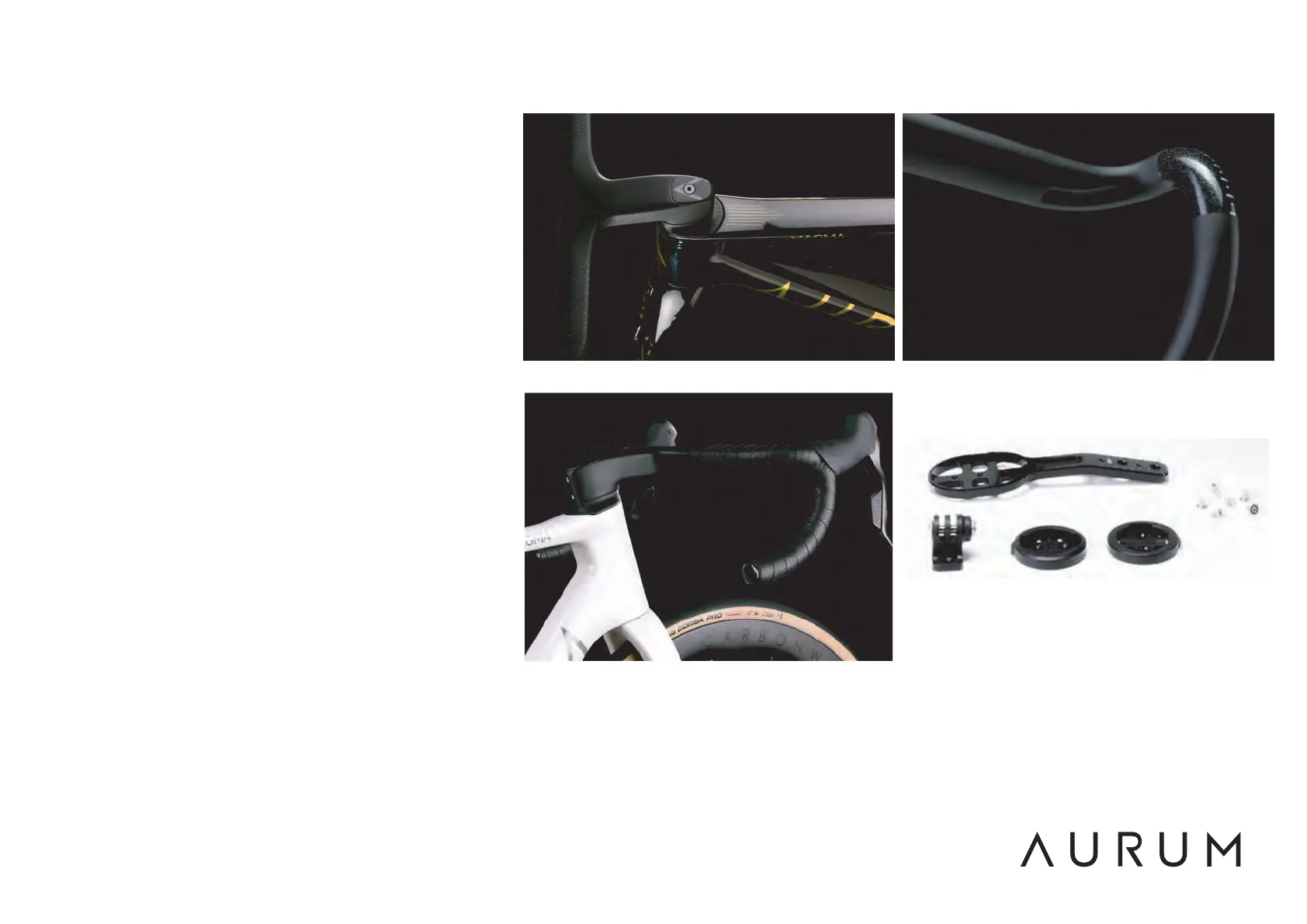
Install the brake/shift levers on each side of the
handlebar in the roughly painted area. There are line
and dot markings to help you adjust the two levers
equally (Fig. 11). Tighten the levers to a maximum
torque of 5Nm.
Install the handlebar tape and don't forget to place
the plugs at the lower end, for your safety (Fig. 12).
Install the GPS mount (Fig.13) on the bottom of the
handlebar. Tighten both screws alternative until the
mount is securely in place without any play.
The mounts for Garmin, Wahoo and GoPro can be
mounted and changed with a 2mm hex wrench, be
careful not to lose these small screws.
Fig.10 Fig.11
Fig.12
Fig.13


 To Next Page
 Loading...