EN-3
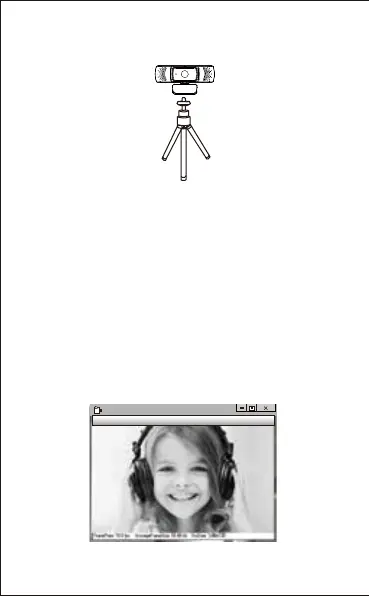
2.Use a universal tripod to rotate the hole in the bottom of the
item, then you can place the item where you want.
How to use the camera?
1.On Windows XP/Vista/7/8
Plug and play: you can use it to make video calls on chat
applications with your friends. Or you can take pictures or
record videos by the camera. To take photos/record videos:
Please download AMCAP Webcam Software to check
whether it works, and use this software to record a video. Just
download and open it easily, no need to install. Available from
www.ausdom.com/Download.html
Using AMCAP Software Steps:
Please connect the webcam to your computer and wait till the
computer recognizes the webcam before opening the
AMCAP software.
AMCAP
File Devices Options Capture photo help


 To Next Page