EN-4
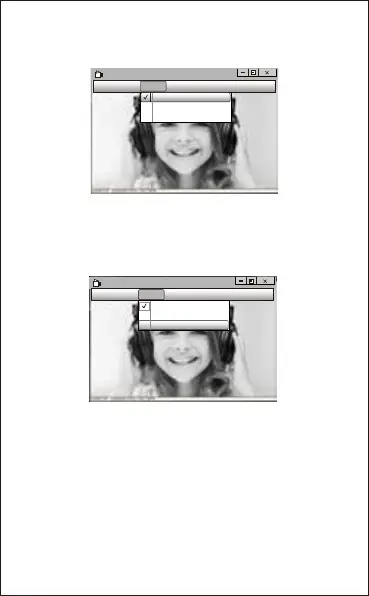
AMCAP
File Devices Options Capture photo help
Preview
Video capture filter...
Video capture pin...
C.If you want to disable the microphone, the setting steps are
as follows:
My computer → Press“right-handbutton” → Manage →
Device manager → Sound, Game, Video controller → USB
Audio device → Press “right-hand” button → Stop
B.You can adjust settings like video/phone format/window
size, Choosing “Video Capture Pin…”under “options”.
A.If the window is blank, please click the “Options”and select
“preview”. And make sure you tick the webcam under
“device”.
AMCAP
File Devices Options Capture photo help
Preview
Video capture filter...
Video capture pin...


 To Next Page