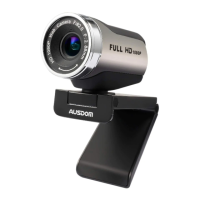
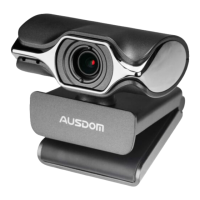
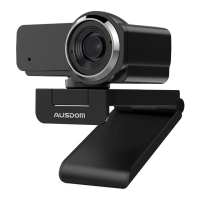
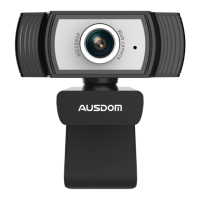
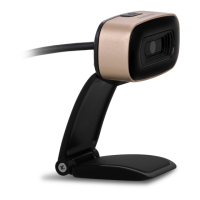
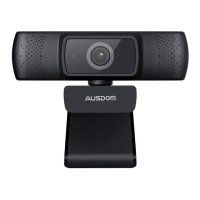
6. Product Overview
Manual swivel lens
USB Connection
Cable
Foldable
Flexible
Clip
1080P Camera lens
EN-2
7. Mounting and Connecting the Camera
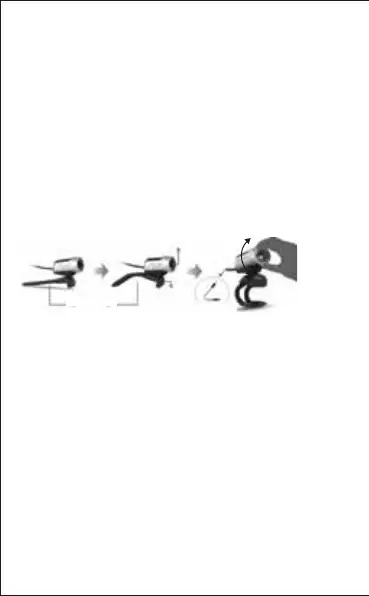
Place the WebCam where you want it on a computer monitor
or a flat surface desktop. For a computer monitor
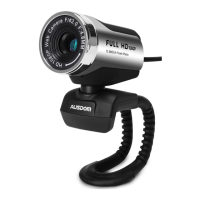
deployment, unfold the flexible clip and place the WebCam
on your computer monitor to grip the edge of the screen with
the foldable flexible clip. After fixing the WebCam, connect
the USB cable to your PC's USB port.
5. For HD 1080P Video Recording
- 2.4GHz Intel Core 2 Duo
- 2 GB RAM
- 1GB hard drive space
- USB 2.0 port
- Over 500MB free hard-disc space
- 256MB memory
- Support DirectX 9.0 VGA card
Before using,
please adjust
the lens
sharpness.


 To Next Page