5. Pairing with Wireless Devices
● Make sure the headphones are turned off.
● Turn on the wireless function on the devices.
● These two devices should be within 33ft/10meter.
● Keep pressing the power button until you see the LED
flashing red and blue. You will hear “pairing”.
● Select “AUSDOM E7” to pair and you will hear “connect-
ed”.
Notes:
● Make sure the paired computer or laptop has wireless
connection function. If not, please purchase a wireless
Transmitter that supports version 2.1 or higher.
● AUSDOM E7 will automatically connect to the last two
paired device. The headphone can only play music on one
mobile device at a time.
● Re-pairing: In the off state, following Chapter 5 steps to
pair with new devices.
EN-3
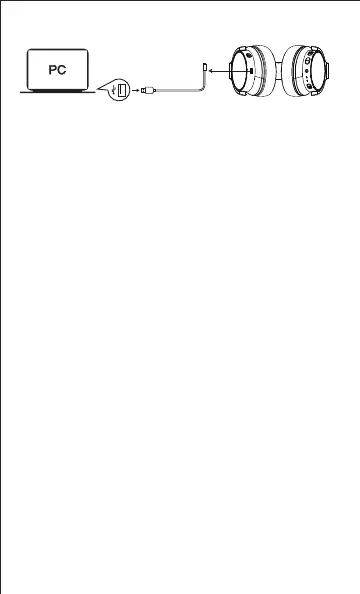
Use the USB-C charging cable to the USB Interface for
charging


 To Next Page