EN-4
8. Used as the Wired Headphones
7. Making and Answering a Call
7-1 Making a call
6. Active Noise Cancelling
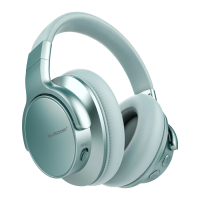
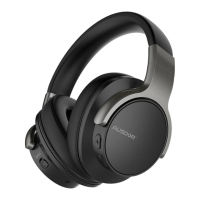
AUSDOM E7 has a built-in noise cancellation circuit that
effectively reduces noise while traveling by air, bus or train.
● The noise cancellation effect is not obvious in a very quiet
environment.
● The noise cancelling effect may be different depending on
how you wear the headphones.
● The noise cancelling function mainly works on the noise in
the low frequency band. Noise will be reduced, but not
completely eliminated.
Connect E7 to other devices via a 3.5mm audio cable.
Note:
The microphone does not work when used as the wired
headphones.
Paired the headphones with the mobile phone.
● Dial through mobile phone to make the call.
● Press the power button or simply hang up the call.
7-2 Answering a call
Paired the headphones with the mobile phone.
● Press the power button to answer the call. If there is music
playing, it will pause.
● Press the power button or simply hang up the call.
● Once the call ends, the music will continue to play automati-
cally.


 To Next Page
 Loading...