EN-6
10. Protecting Your Hearing
● Turn down the volume before wearing headphones, the
excessive volume may cause hearing damage.
● Please take a break after wearing it for a long time.
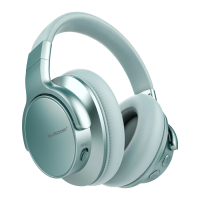
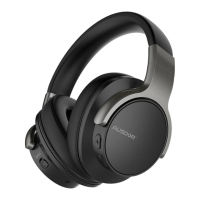
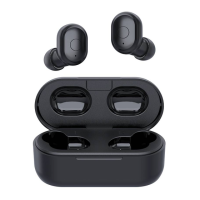
11. Control Instructions
Function Operation
End a call Press the power button
Power on
Press and hold the power/Bluetooth button for 3
seconds, LED flashes blue and you will hear “power
on”.
Answer a call
Press the power button to answer the call.
Power off
Press and hold the power/Bluetooth button for 3 seconds,
LED turns off and you will hear “power off”.
When the headphone is on, press and hold the power button
3 seconds, and the LED flashes red and sounds a prompt..
Pause/restart
media playback
Press the power button
Increase
volume
Press the Volume Up V+ button
Skip to next
track
Press and hold the V+ button for 1-2s
Skip to previous
track
Press and hold the V- button for 1-2s
Noise Canceling
On
Press the Noise-Canceling Button to ON, Blue LED
light on.
Noise Canceling
Off
Press the Noise-Canceling Button to OFF, Blue LED
light off
Decrease volume Press “-” button
Answer/End a
call
Press the power/Bluetooth button
Play/Pause Press the power / Bluetooth button
Re-pairing
In the off state, press and hold the power/Bluetooth
button for 5 seconds until the LED flashes red and
blue and you will hear “pairing”.
Increase
volume
Increase volume
Press “+” button
Skip to next
track
Press and hold “+” button for 2s
Skip to previous
track
Press and hold “-” button for 2s
Noise Cancelling
On/Off
Push the ANC button to turn On/Off
Pairing
Press and hold the power/Bluetooth button for 5 seconds
until the LED flashes red and blue and you will hear “pairing”.


 To Next Page
 Loading...