7. Using a Wired Headset
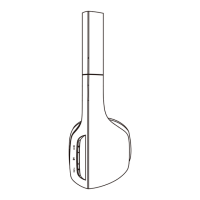
There is a 3.5mm audio jack on the side of ear cup and included audio
cable for wired use. This allows you to use the audio function with other
devices without having Bluetooth or when the battery is low.
Bluetooth Headset English
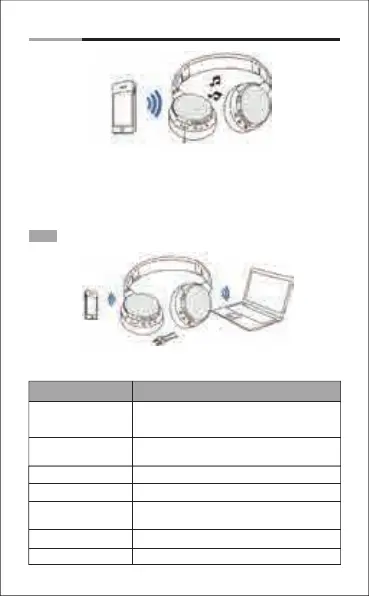
Hear sounds from the headset and
talk with the build-in microphone
Dial or answer a call
through the mobile phone
-4-
Note: The microphone can't work when using as wired headset.
Pairing with a phone
1. Answer a call
2. Play media
Bluetooth distance
10 meter
Pairing with a computer
1. pin code=0000
2. Play media
Using as a wired headset
a audio cable for wired use
8. Control Instructions
End a call
Press the power button
Increase volume Press the Volume Up V+ button
Decrease volume Press the Volume Up V- button
Answer a call
The LED flashes red twice every 2 second and
press the power button to answer the call.
Reject a call
Press and hold the power button for 2 seconds
Function Operation
Power On
Press and hold the power button 3 seconds. And
the LED flashes blue and sounds “Power on”.
Then the LED flashes blue every 1 seconds.
Power Off
Press and hold the power button 4 seconds. And
the LED turns to red and sounds “Power off”.


 To Next Page