5
5.Registration
5.1 Connect lock to the phone
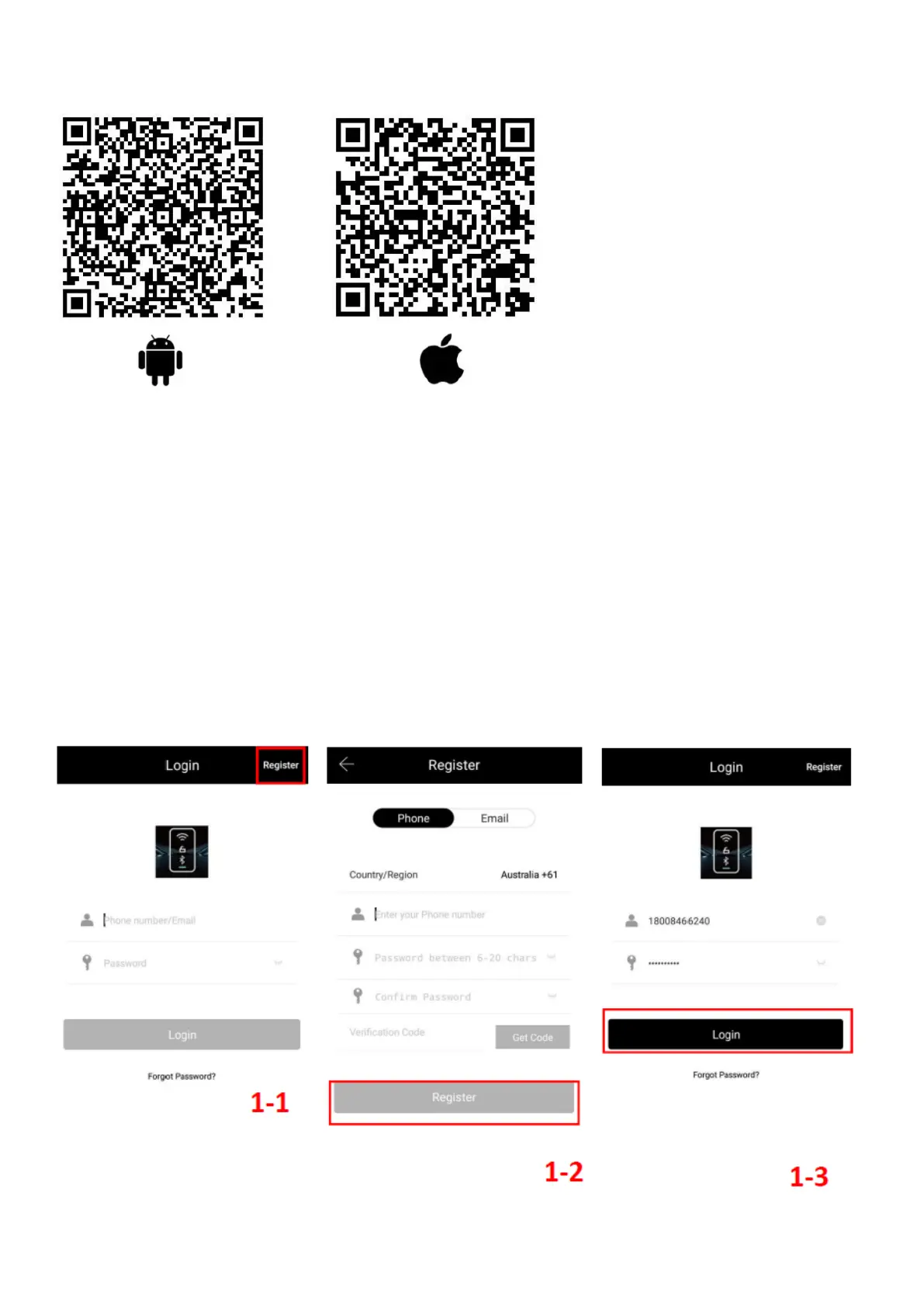
1) Android mobile phone, please scan the left QR code as above
2) Apple mobile phone, please scan the right QR code as above
3) You can also search for AUSLOCK in the APP store or Google play for download
4) Register a new account (phone number or email) or login with an existing account.
5) Touch the locks screen to light up the buttons, on App click "+ Add Lock”
6) The lock nearby will appear on the phone screen, Click "+"
7) Re-name the lock
8) The lock is added successful



 To Next Page