68
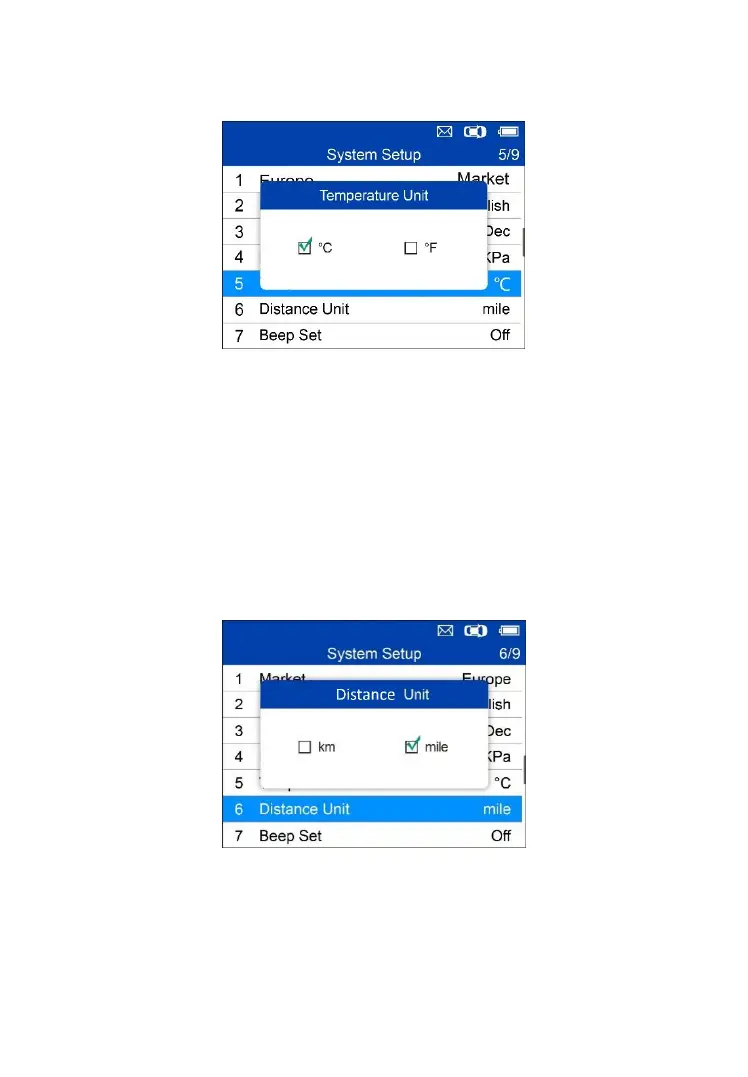
2. From Temperature Unit screen, use the LEFT/RIGHT scroll button to
select the desired unit of temperature.
Figure 5-25 Sample Temperature Unit Screen
3. Press the Y button to save your settings and return to previous menu, or
press the N button to exit without change.
Distance Unit
1. From System Setup screen, use the UP/DOWN scroll button to select
Distance Unit, and press the Y button.
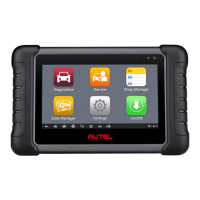
2. From Distance Unit screen, use the LEFT/RIGHT scroll button to select
the desired unit of distance: km or mile.
Figure 5-26 Sample Distance Unit Screen
3. Press the Y button to save your settings and return to previous menu, or
press the N button to exit without change.
Beep Set


 To Next Page