7
CONNECTING YOUR MOBILE DEVICE
NOTE: The WiFi network name (SSID) is labelled on the back side of the remote controller.
Connect your mobile device to the aircraft based on your aircraft model.
When connection has been established between your mobile device and the aircraft, you will see the connection status
bar as Connected on Starlink’s home page.
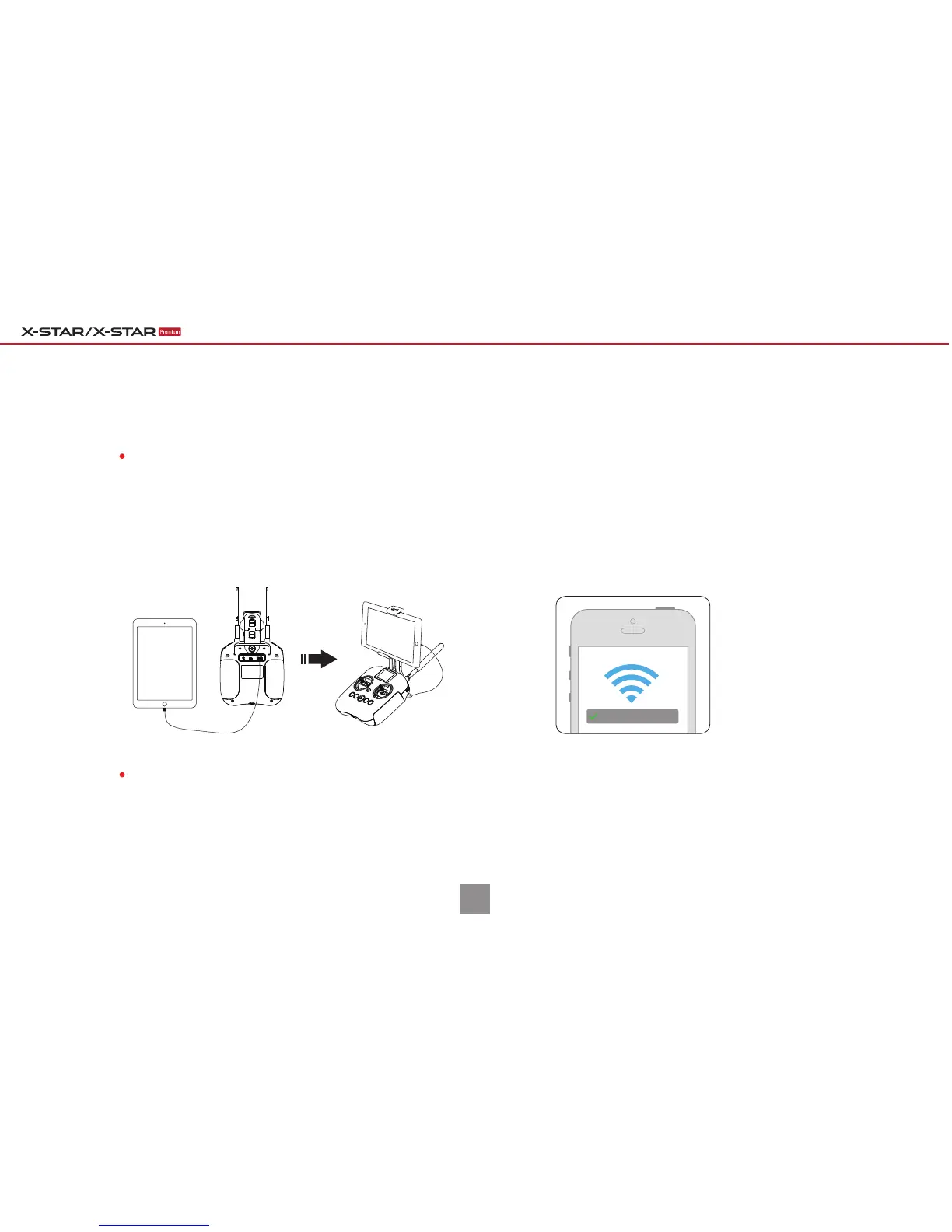
Connect your mobile device to the remote
controller through a USB cable. The USB port is
located on the back of the remote controller.
For X-Star Premium:
Turn on the WiFi connection on your mobile device,
select X-Star_XXXXXX from the WiFi list, and enter the
default password 99999999.
For X-Star:
X-STAR_XXXXXX
Quick Guide | With XI-5S Gimbal



 To Next Page