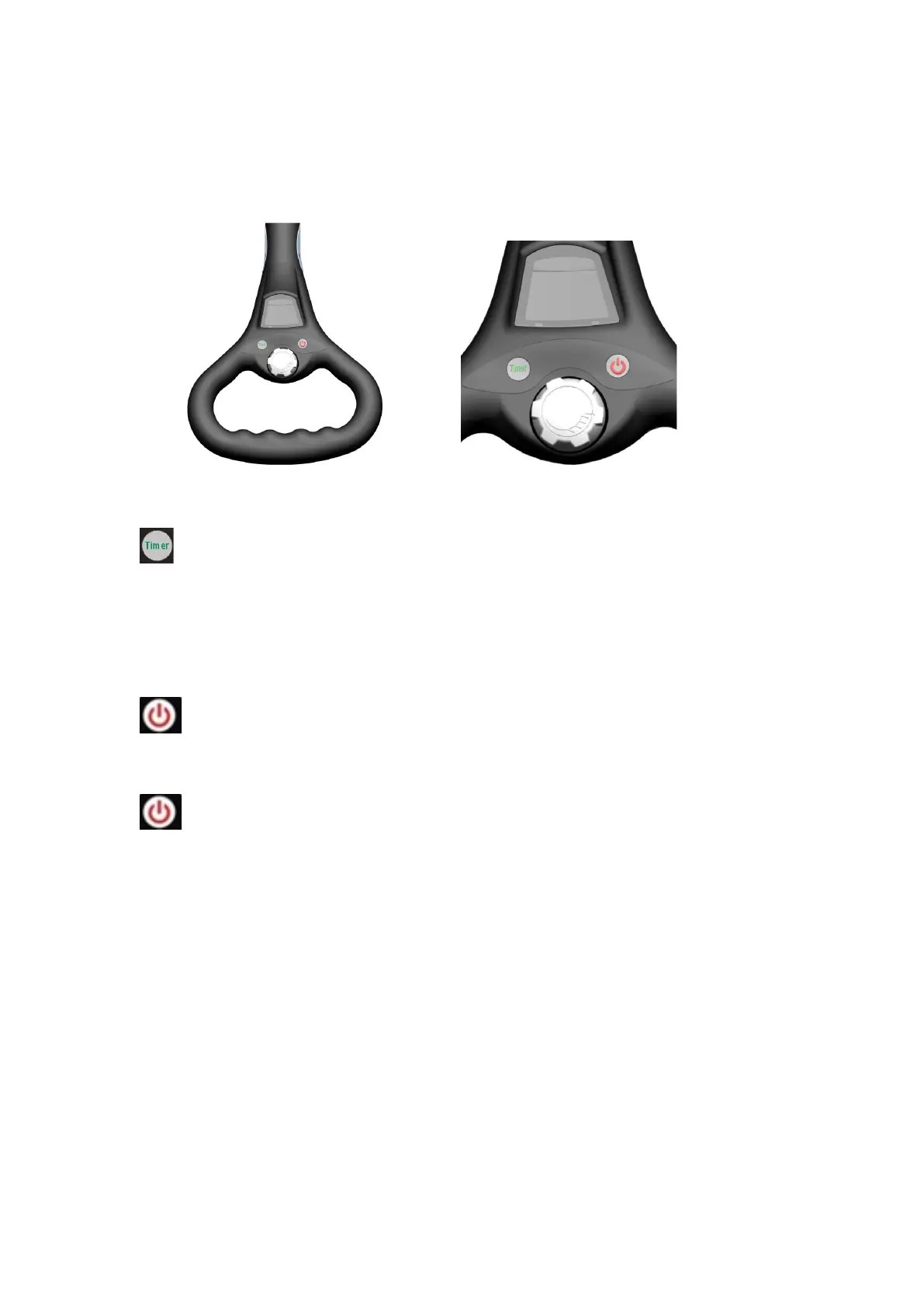
4. Handle Control
Digital handle:
1. New Timer Function (Distance function)
When press one time, the trolley will run 10 Meters and stop
When press two times, the trolley will run 20 Meters and stop
When press three times, the trolley will run 30 Meters and stop
2. New Cruise and Brake Function:
1. ON/OFF button: controls the buggy’s power supply. Press for ~2
seconds to switch the buggy ON or OFF (like a mobile phone operation)
2. Go/stop button. Press one-time trolley will stop; press another time trolley
will start.
Timer and go/stop button: when trolley go from 1-7 speed level, start Timer
function and press go/stop, it is Cancelling Timer function, speed controller
back to former speed level, press another time, trolley will go in former speed
level.
3. Speed controller
Scrolling of the speed button lets you choose your preferred speed to suit your
space perfectly, and the display will show the preferred speed. The speed level
is from 1 to 7



 To Next Page